Customise your Knowledge Base home page to help visitors find relevant information quickly. You can feature articles, display categories, and provide ways for visitors to contact your support team.
From your Helpdesk, go to Knowledge Base → English → Home Page.
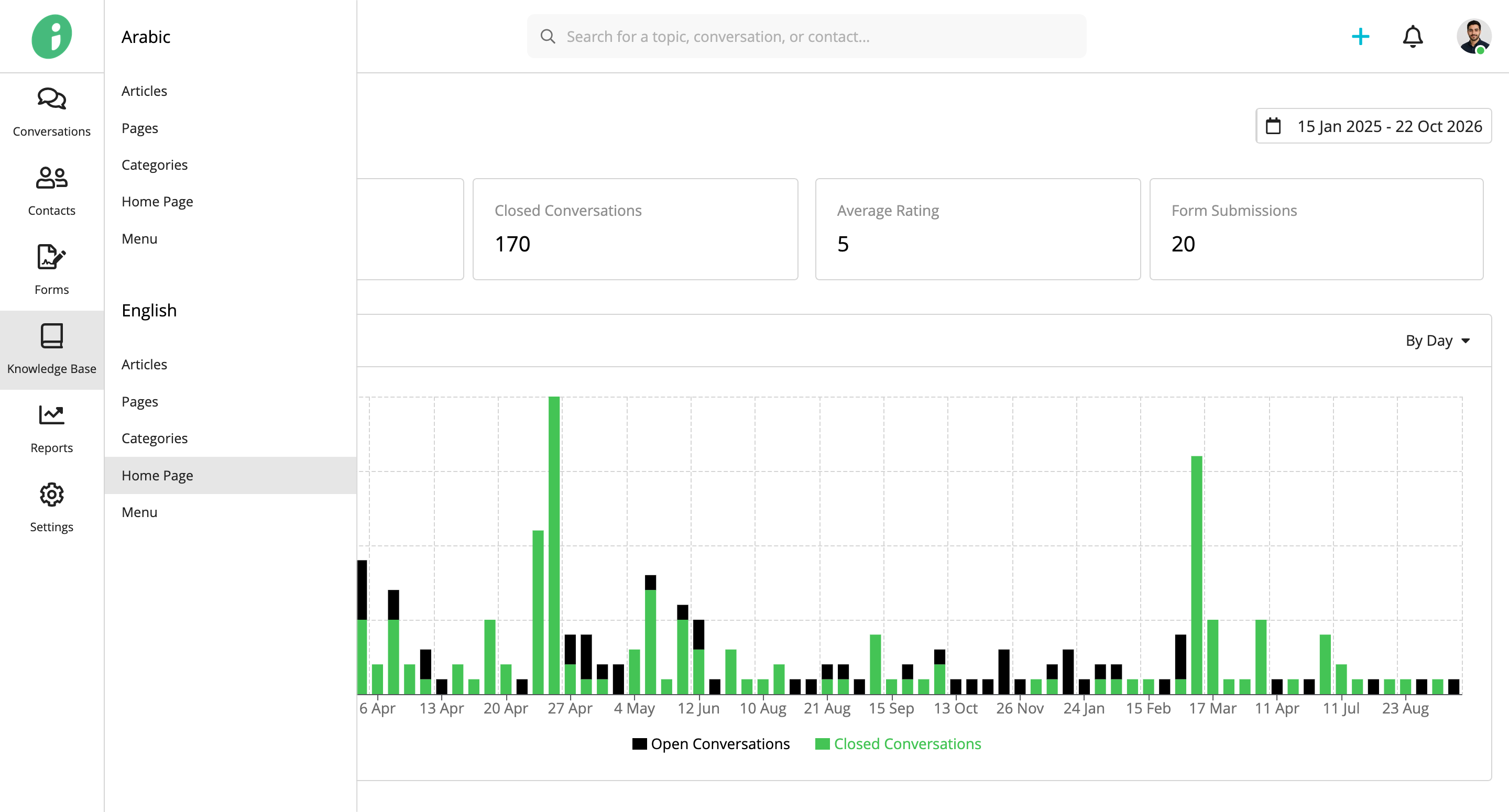
The home page includes three configurable sections: Articles, Categories, and Contact Information. Click a section to expand its settings.
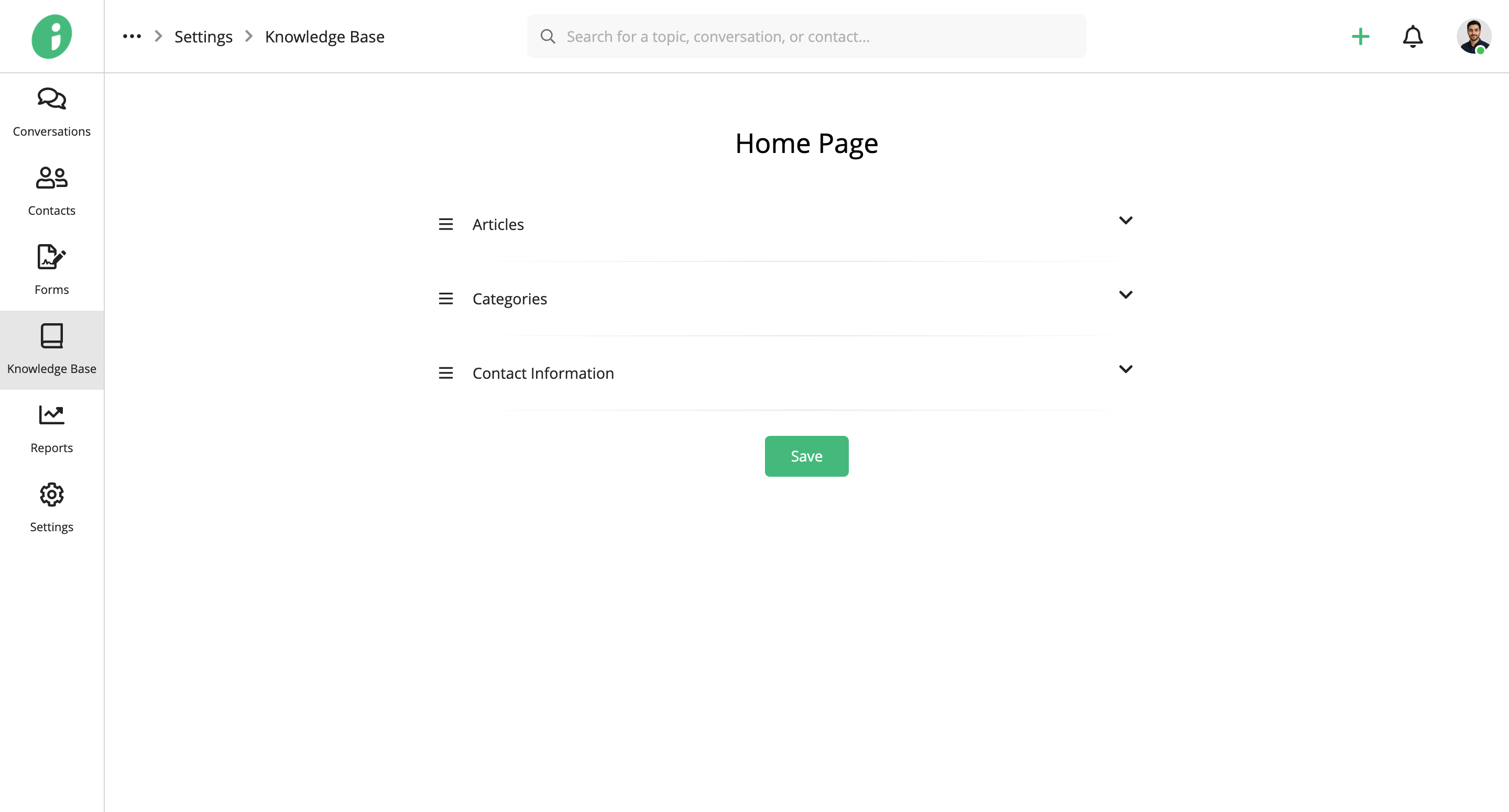
Articles
Use the Articles section to highlight useful content on your home page.
Under Content, select one of the following options:
- Most Viewed Articles: Display the most frequently viewed articles.
- Top Rated Articles: Display articles with the highest ratings.
- Latest Articles: Display the most recently published articles.
- Selected Articles: Choose specific articles to feature.
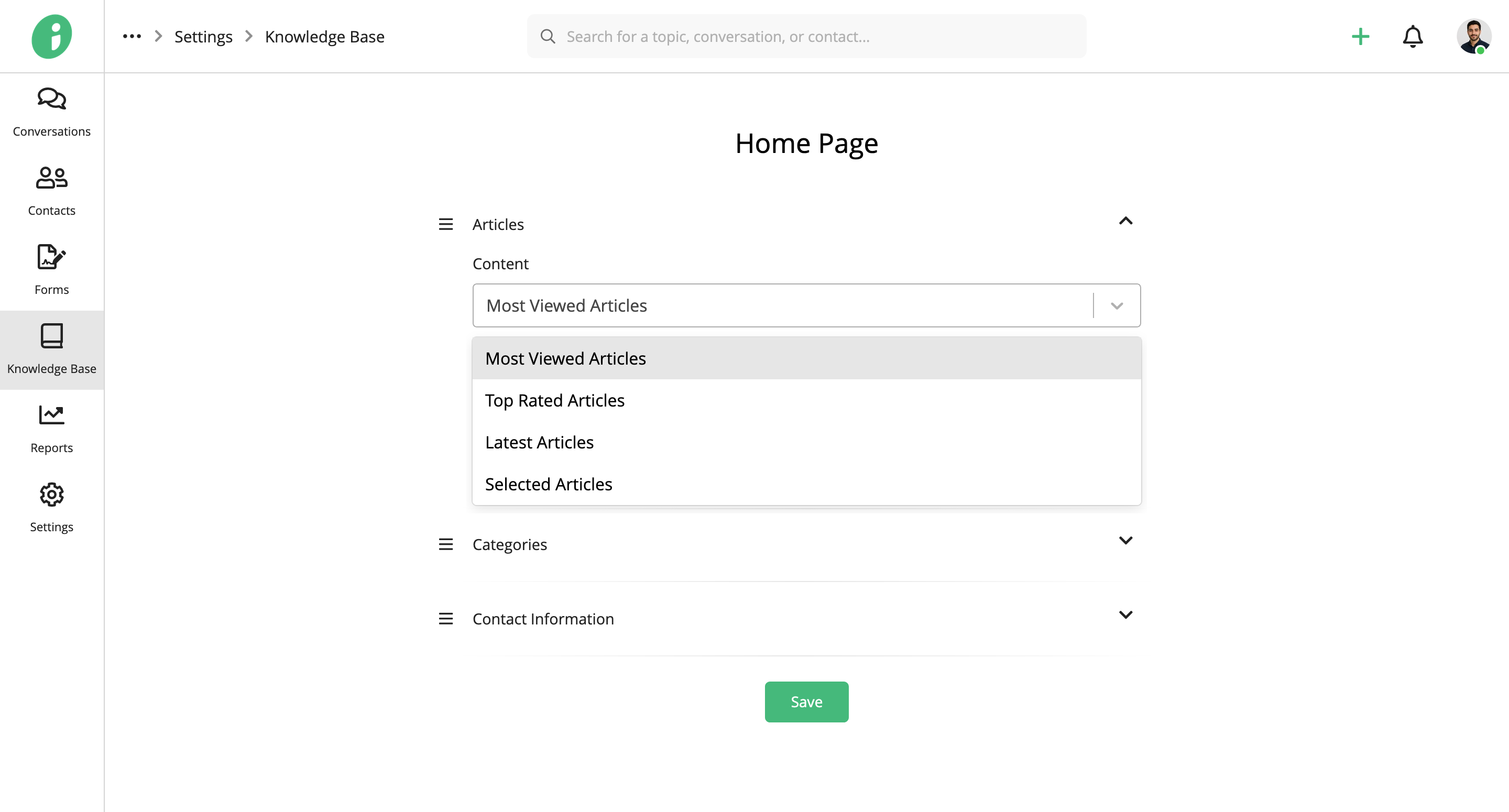
If you select Selected Articles, click + Article to choose the articles you want to display.
Select the articles and click Add.
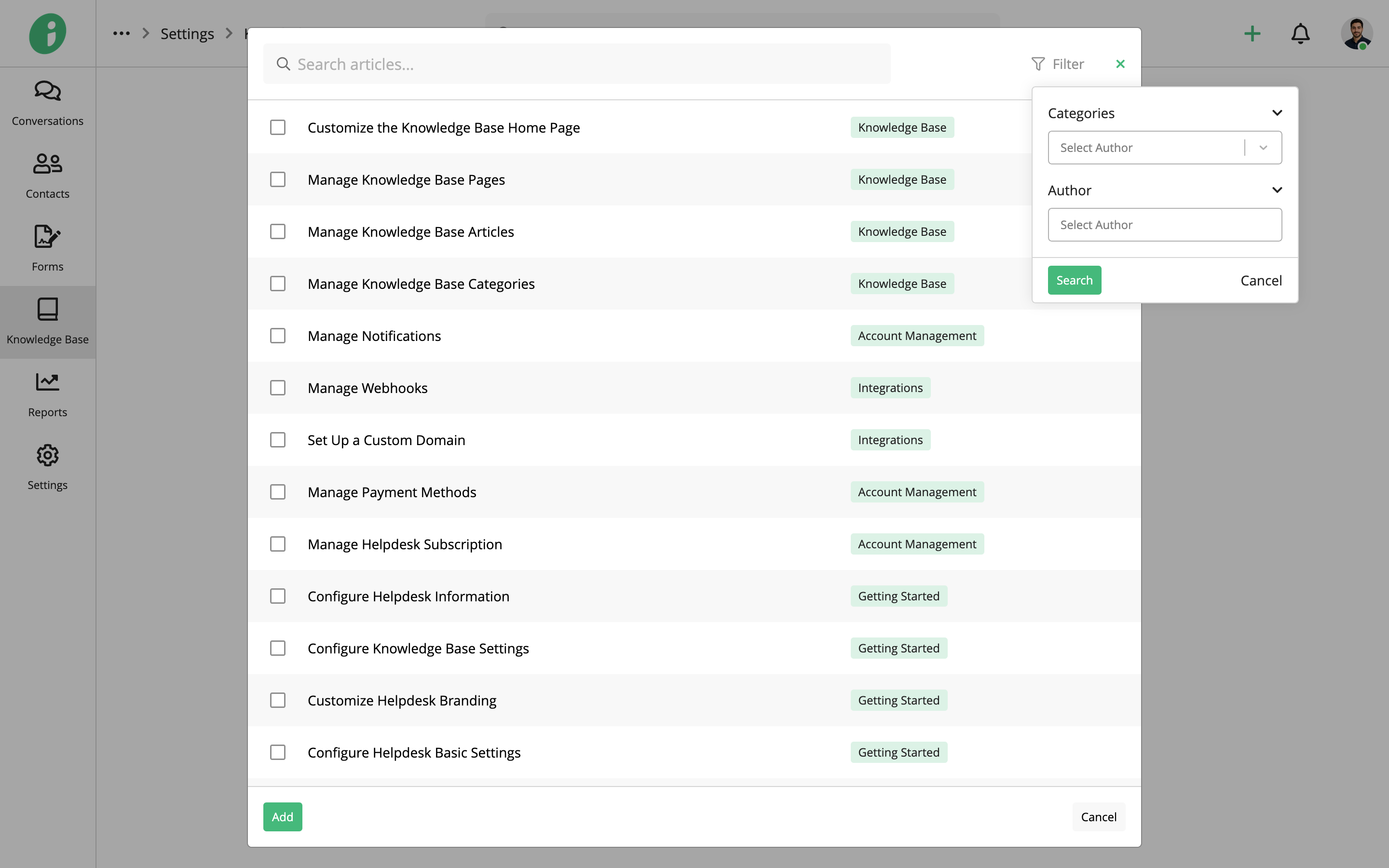
Enable Show Title to display a section heading and enter your preferred text in the Title field.
Use Active to show or hide the section.
Categories
Use the Categories section to help visitors browse articles by topic.
Under Content, select All Categories or Selected Categories.
If you select Selected Categories, click + Category to choose the categories you want to display.
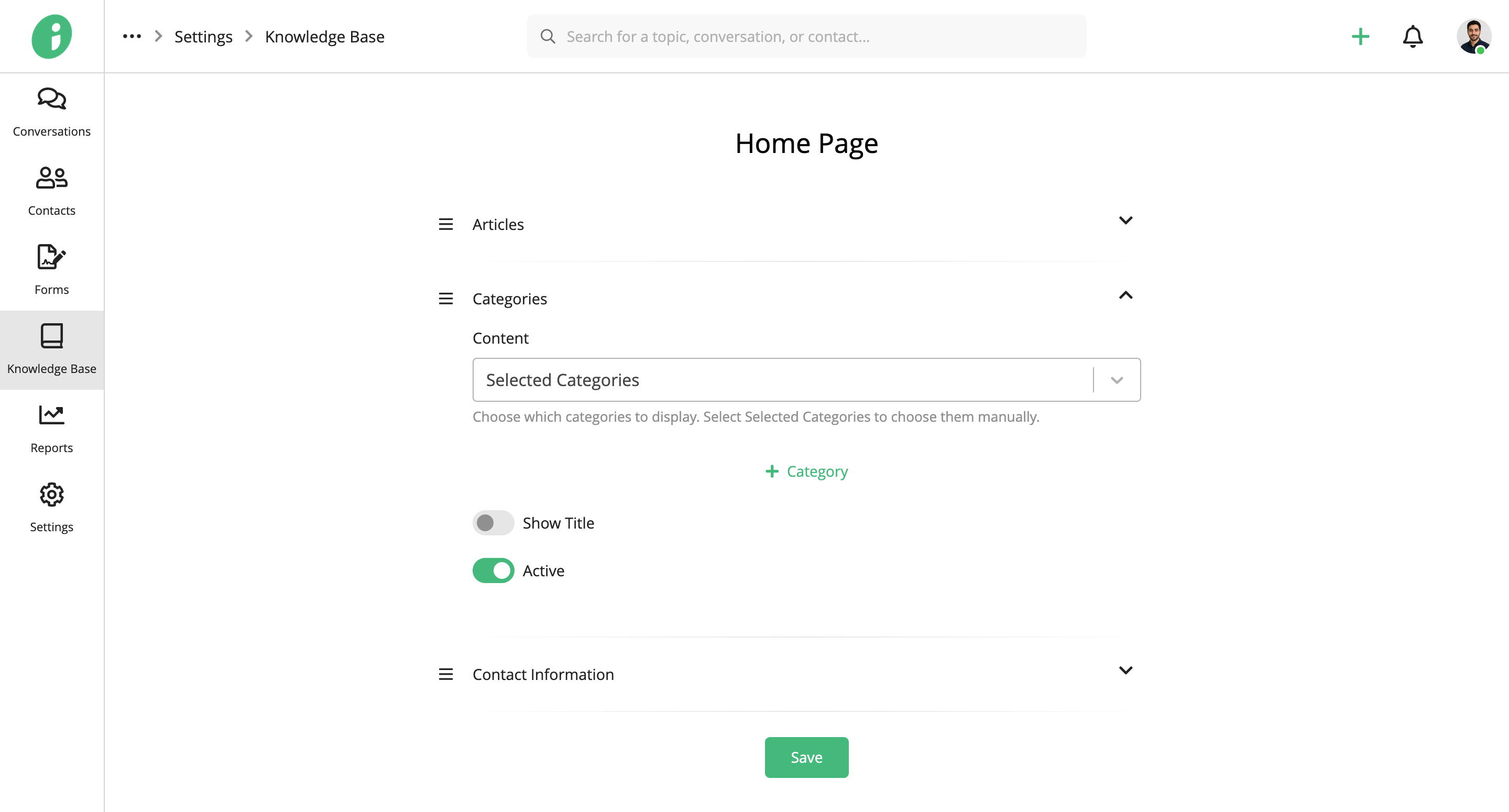
Select the categories and click Add.
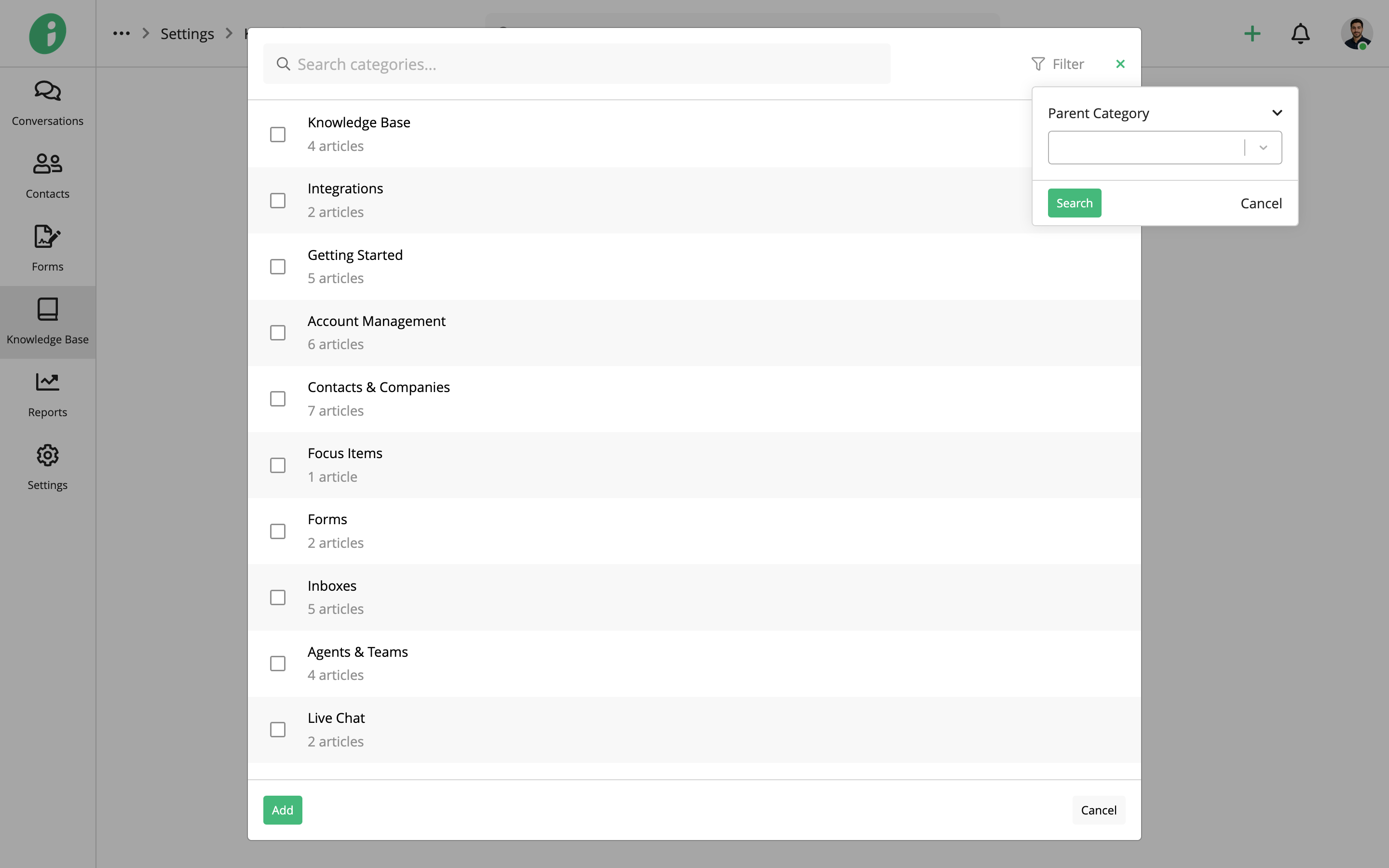
Enable Show Title to display a section heading and enter your preferred text in the Title field.
Use Active to show or hide the section.
Contact Information
Use the Contact Information section to provide visitors with ways to reach your support team.
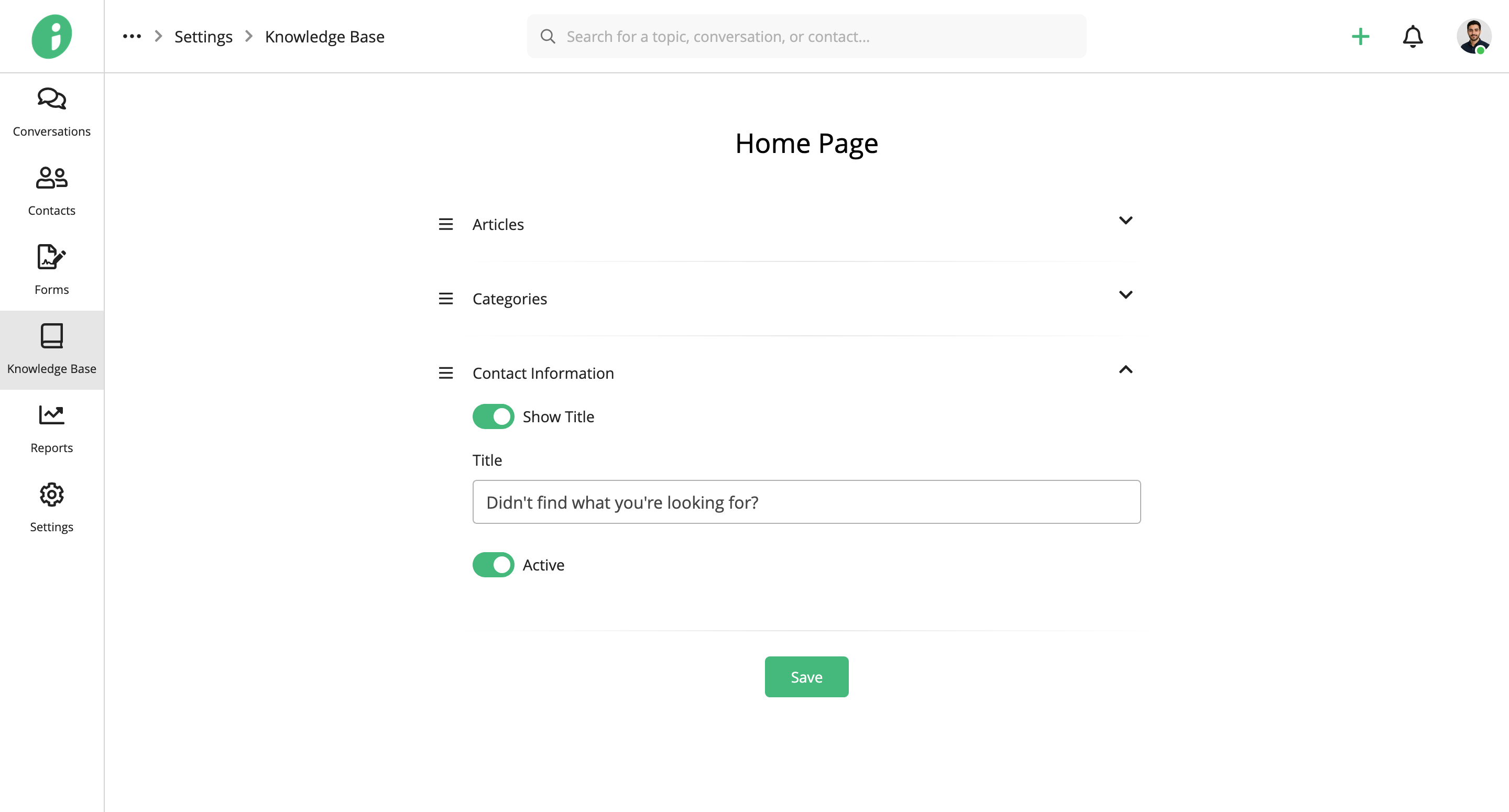
- Show Title: Enable this option to display a heading above the contact options.
- Title: Enter the heading visitors will see, such as Didn’t find what you’re looking for?
- Active: Show or hide the contact information section.
When enabled, this section displays the available contact options:
- Talk to Us: Opens live chat if enabled under Settings → Helpdesk → Knowledge Base.
- Email Us: Uses the helpdesk email address configured under Settings → Helpdesk → English → Information.