
You can add welcome messages to greet customers automatically when they open live chat for the first time and have no previous messages.
Add a Welcome Message
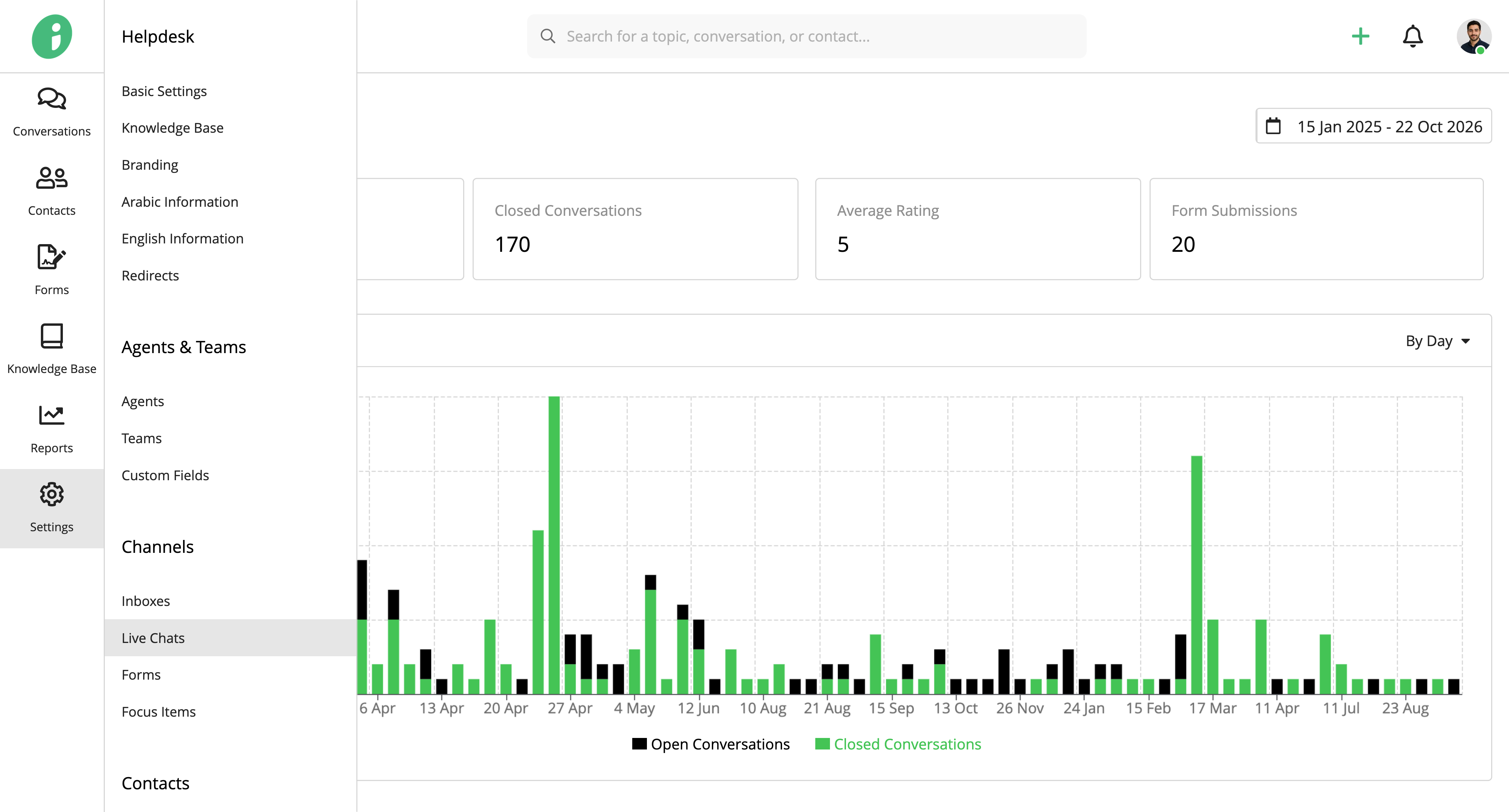
From your Helpdesk, go to Settings → Communication Channels → Live Chats.
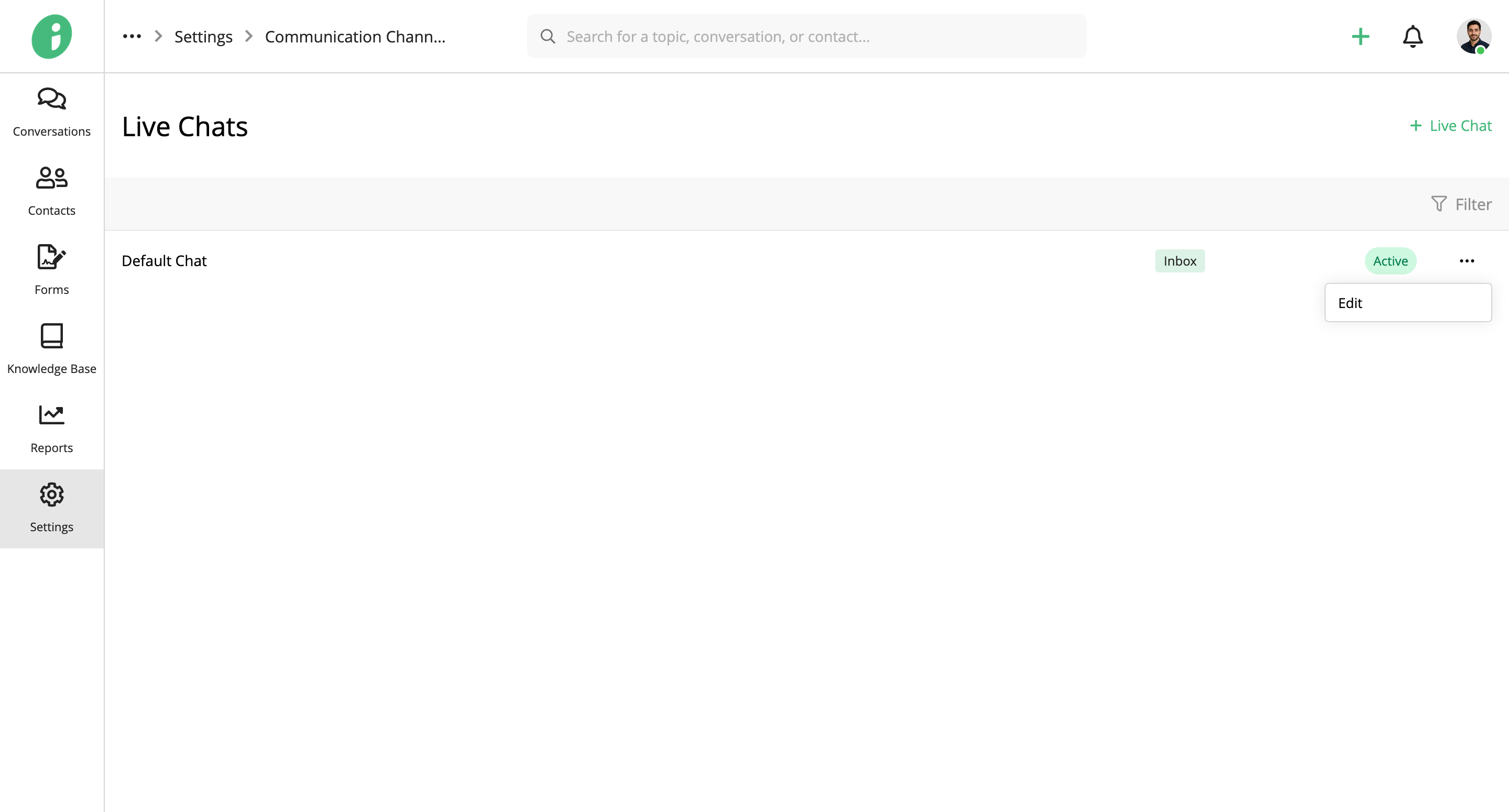
Find the live chat you want to customize, open its options menu, and select Edit.
Select Display Settings, then under Welcome Messages, click + Add.
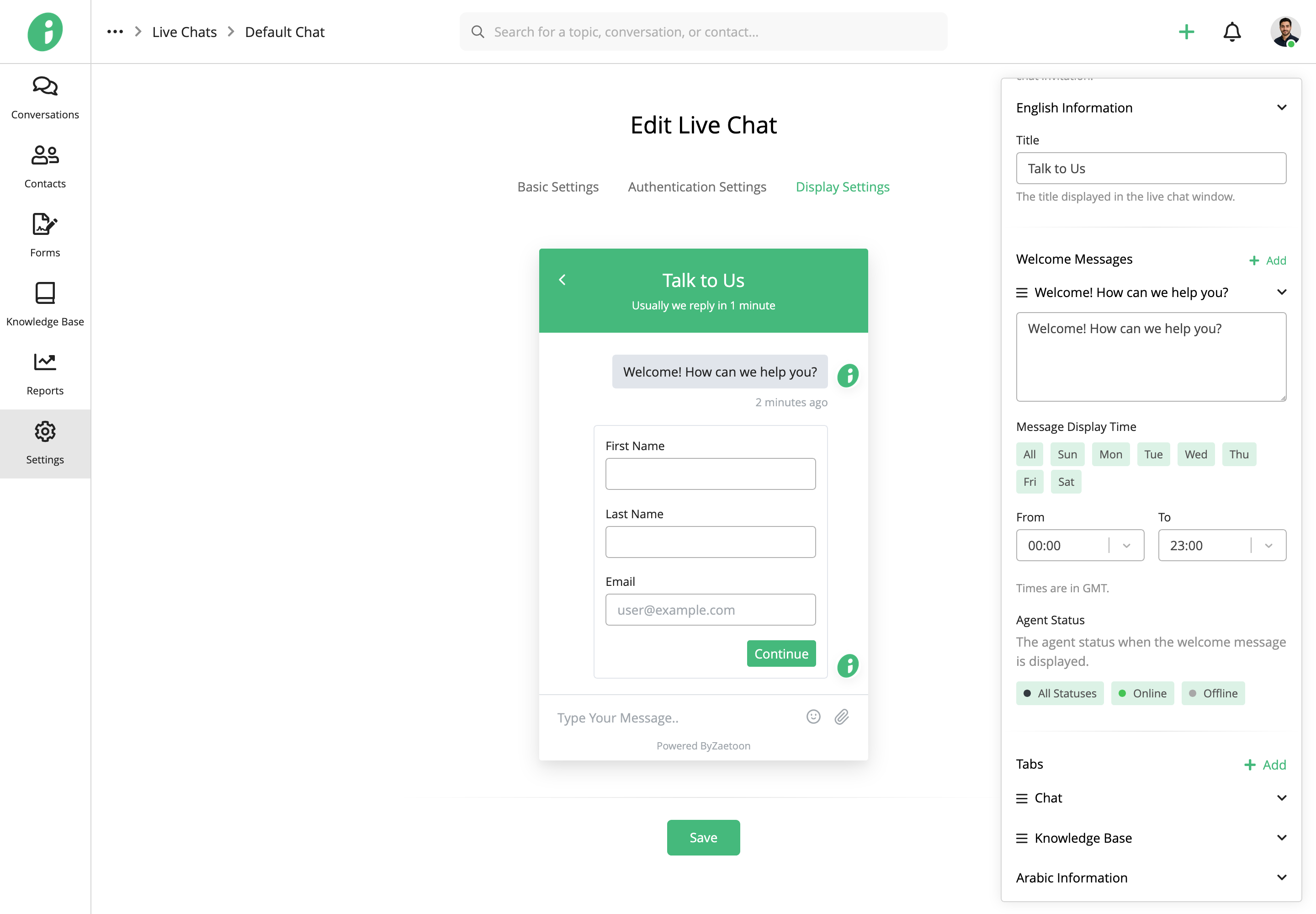
Configure the following settings:
- Message: Enter the welcome message displayed to customers. If your Helpdesk supports multiple languages, you can enter a message for each enabled language.
- Message Display Time: Select the days and hours when the welcome message appears. Use All to select every day, and set the time range using From and To. Times are in GMT.
- Agent Status: Choose when the message should appear based on agent availability: All Statuses, Online, or Offline.
You can add multiple welcome messages and configure their display conditions separately.
Preview your message in the live chat preview, then click Save to apply your changes.