
Manage your Zaetoon Helpdesk’s information, including its title, description, keywords, contact details, and advanced customization options.
From your Helpdesk, go to Settings → Helpdesk → English Information or Arabic Information, depending on the language you want to configure.
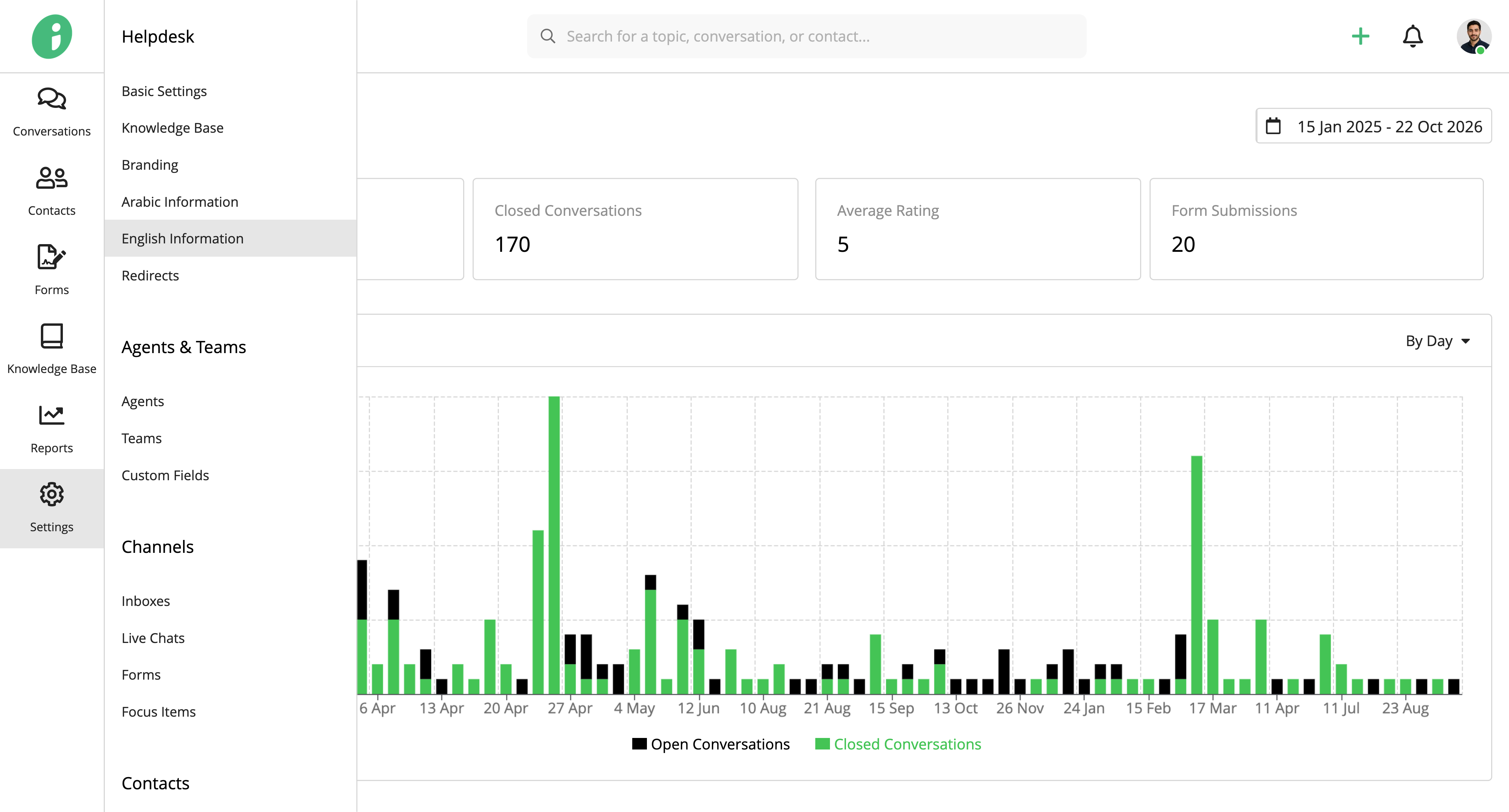
Helpdesk Information
Configure the following fields:
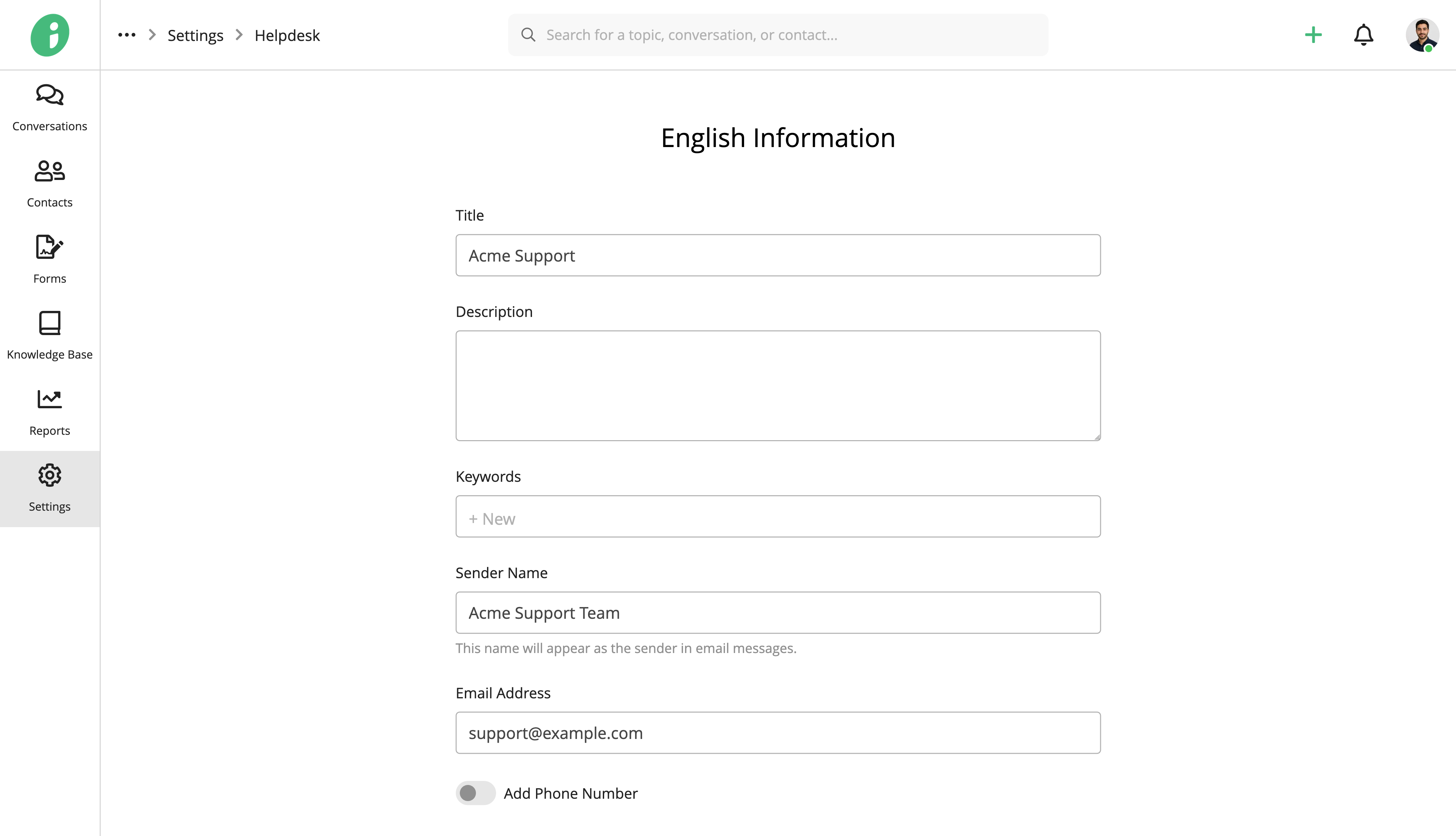
- Title: Enter your Helpdesk title.
- Description: Add a description of your Helpdesk.
- Keywords: Add keywords associated with your Helpdesk.
- Sender Name: Enter the name displayed as the sender in email messages.
- Email Address: Enter your Helpdesk email address.
- Add Phone Number: Enable this option to add a phone number.
Advanced Settings
Under Advanced Settings, configure the following options:
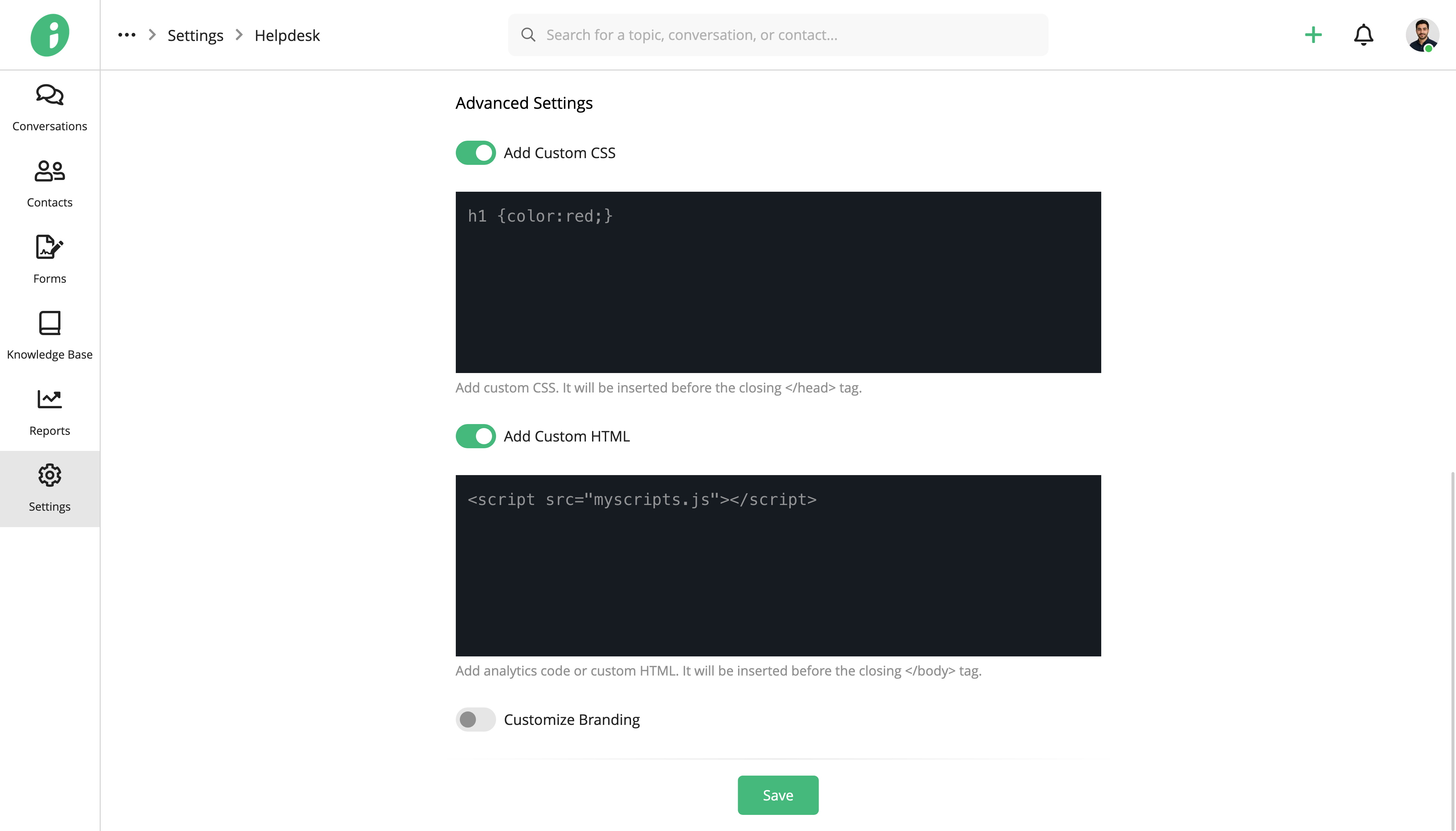
- Add Custom CSS: Enable this option to add custom CSS before the closing </head> tag.
- Add Custom HTML: Enable this option to add custom HTML or analytics code before the closing </body> tag.
- Customize Branding: Enable this option to access additional branding customization settings.
Click Save to apply your changes.