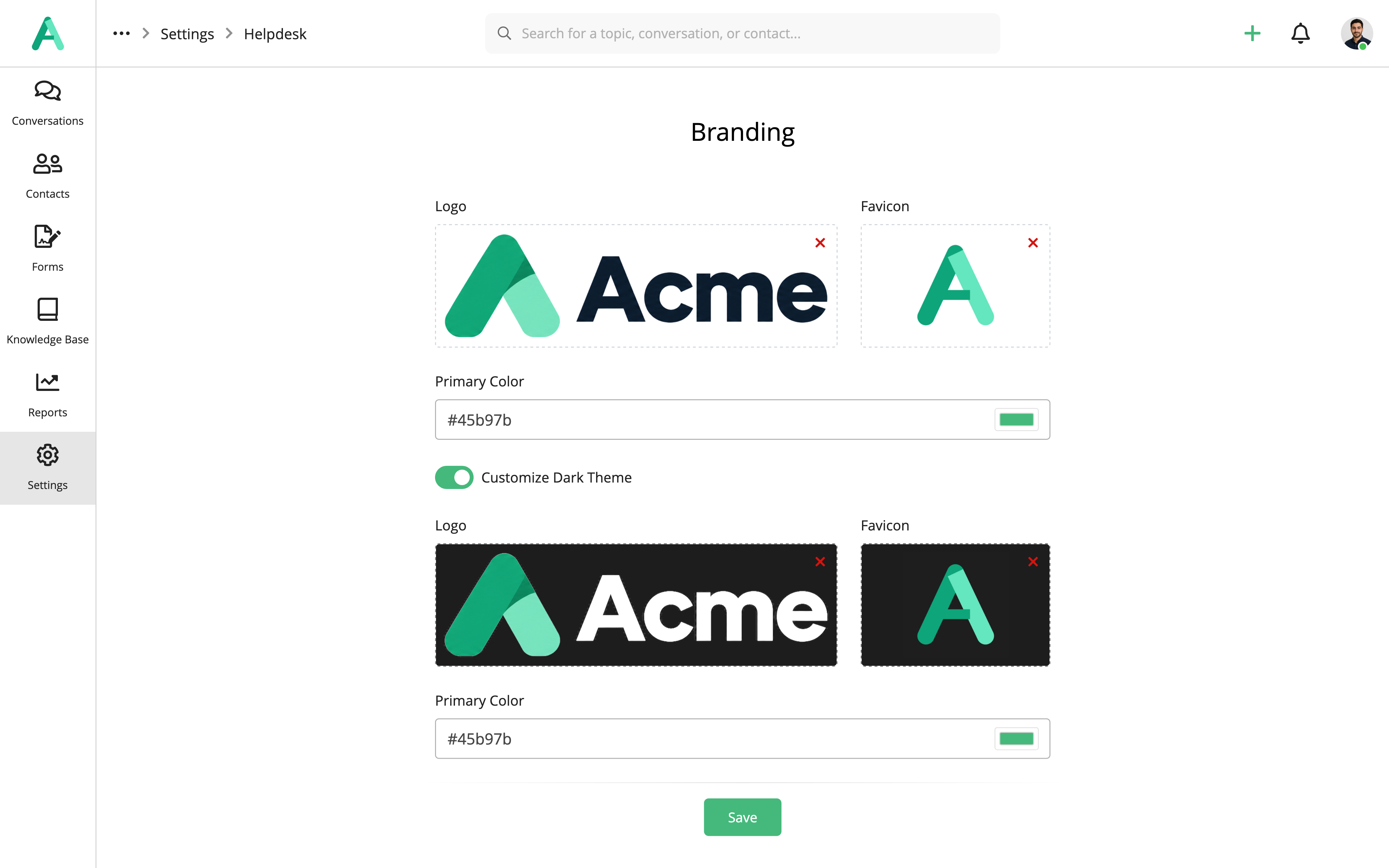
Customize your Zaetoon Helpdesk’s appearance by adding your company logo, favicon, and brand colors for light and dark themes.
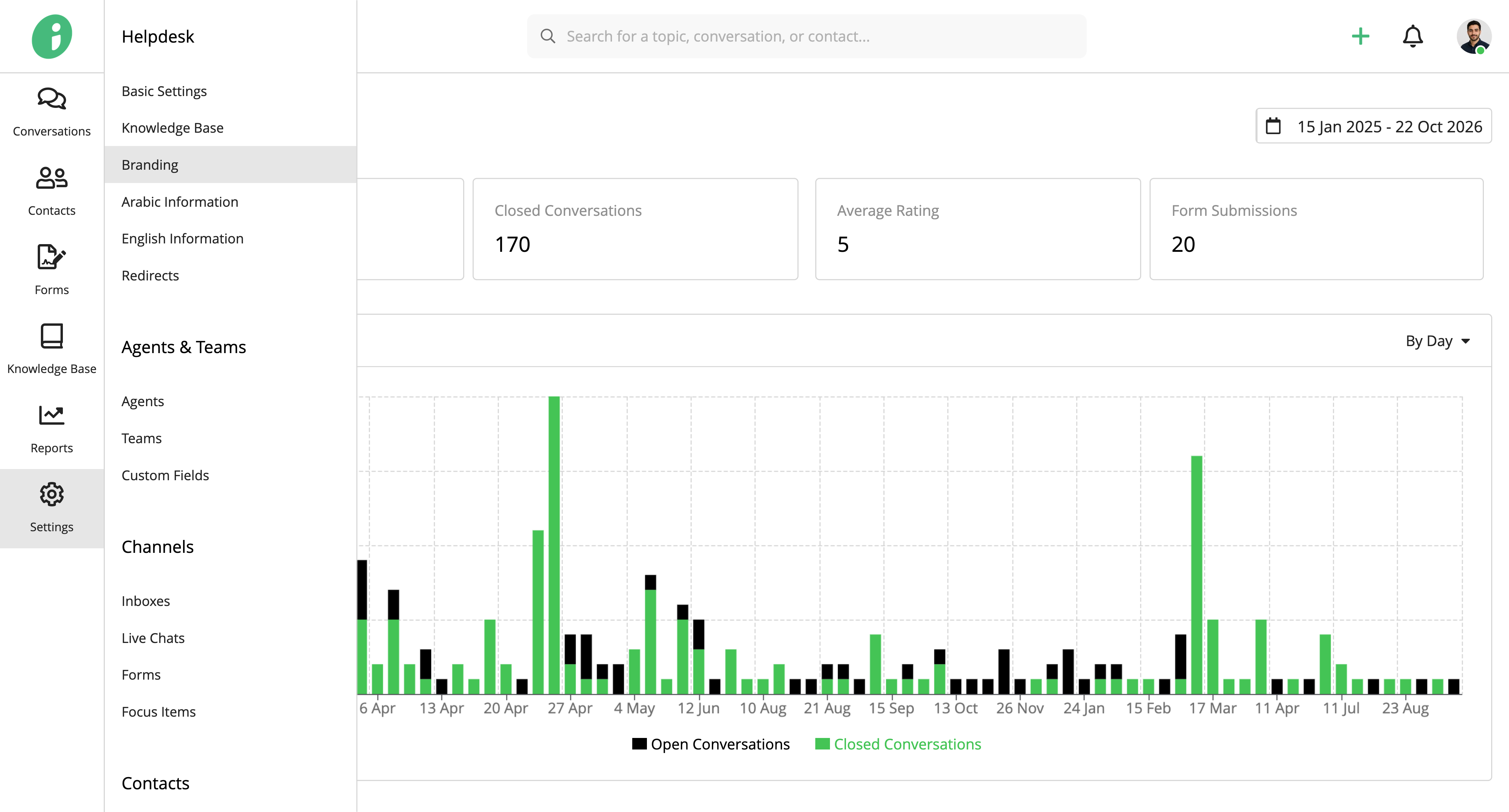
From your Helpdesk, go to Settings → Helpdesk → Branding.
Customize the Light Theme
Under Branding, configure the following options:
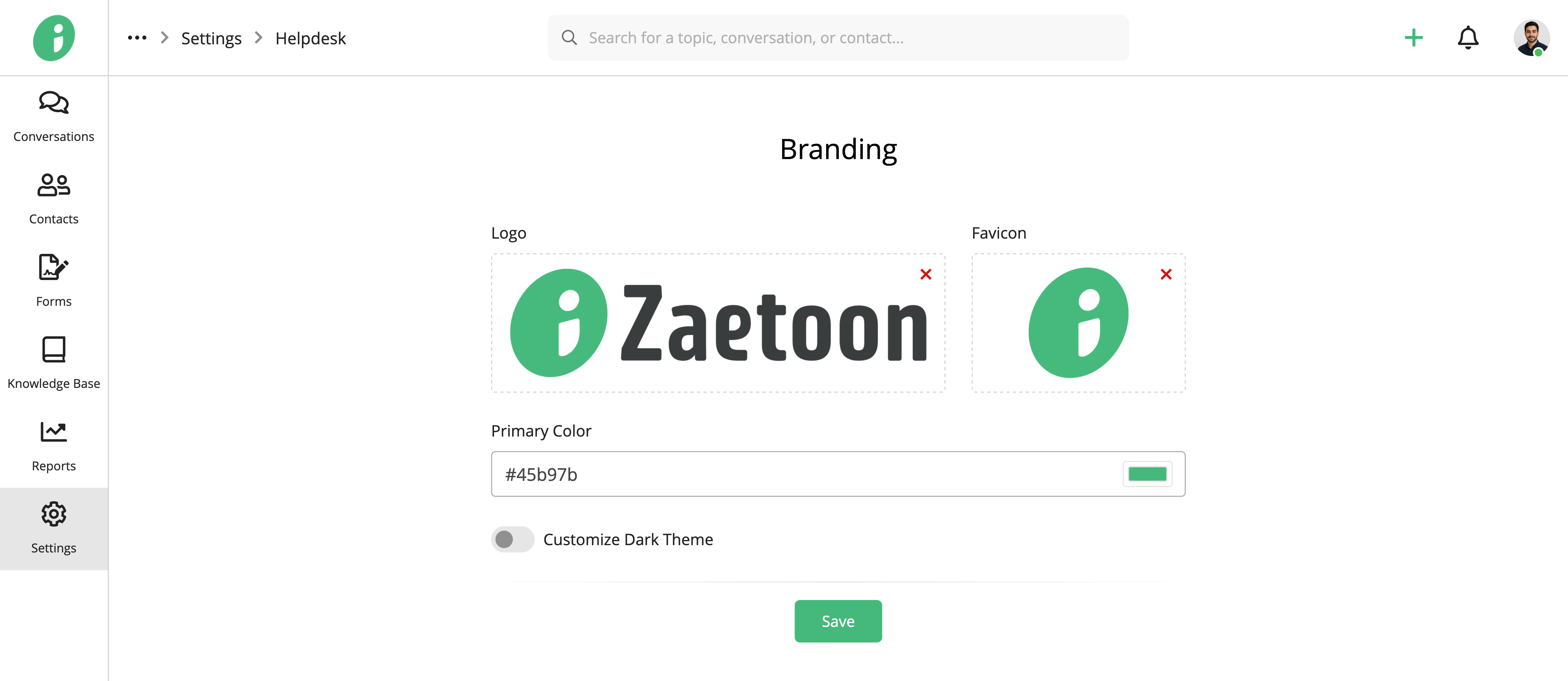
- Logo: Upload your company logo.
- Favicon: Upload the icon displayed in browser tabs and your Helpdesk interface.
- Primary Color: Choose your brand’s primary color.
Customize the Dark Theme
Enable Customize Dark Theme to set a separate logo, favicon, and primary color for dark mode.
Click Save to apply your changes.
The example below shows Acme branding configured for both light and dark themes.