Start a conversation with a new or existing contact directly from your Helpdesk.
From your Helpdesk, click + Add in the top-right corner and select Conversation.
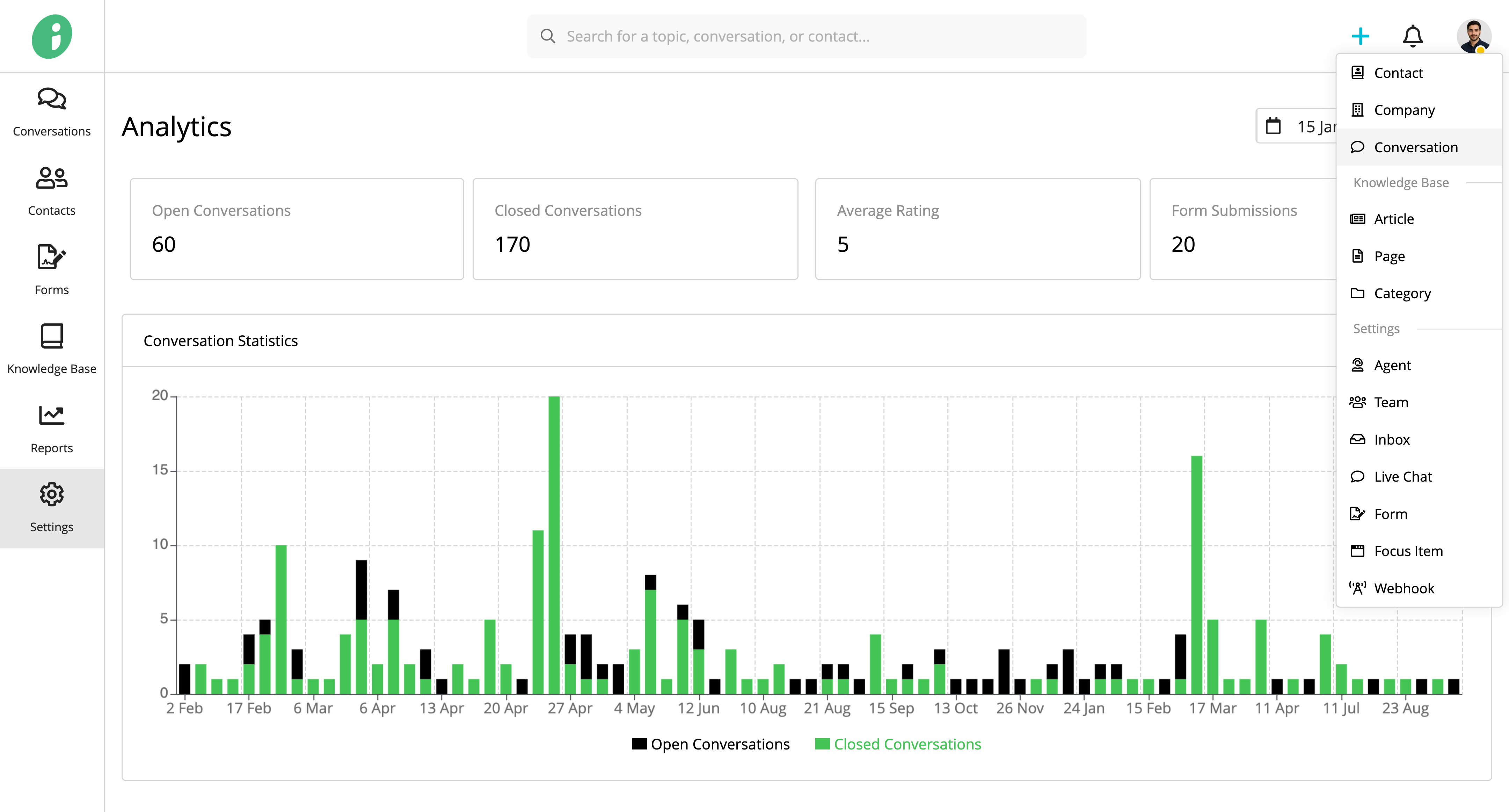
On the Create Conversation page, complete the following fields:
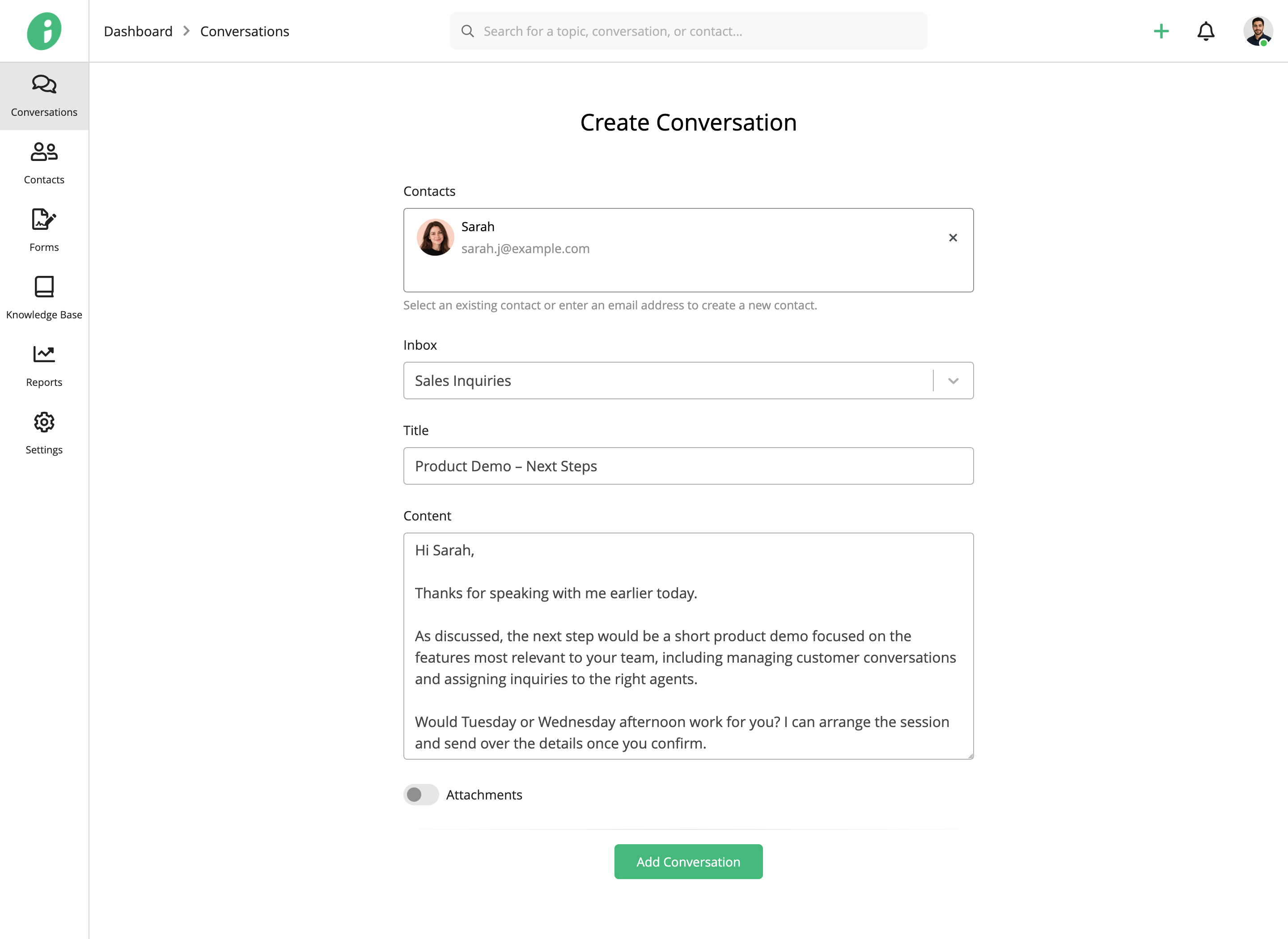
- Contacts: Select one or more existing contacts, or enter email addresses to add new contacts.
- Inbox: Select the inbox for the conversation.
- Title: Enter a title for the conversation.
- Content: Write your message.
- Attachments: Enable this option to upload files. Drag files into the upload area or click to browse.
Click Add Conversation to create the conversation.