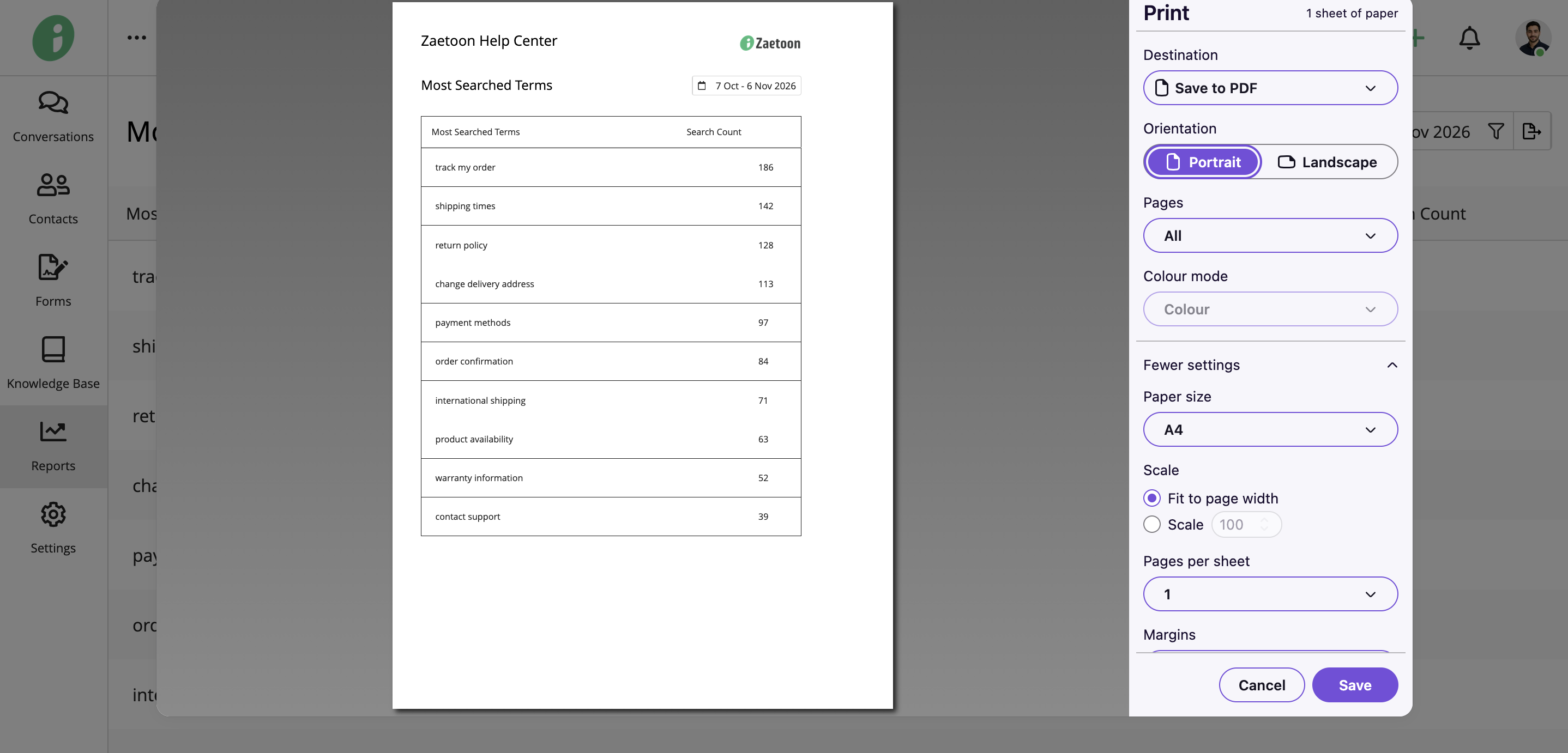
Use Most Searched Terms to see what visitors search for in your knowledge base, identify popular topics, and discover opportunities to improve your content.
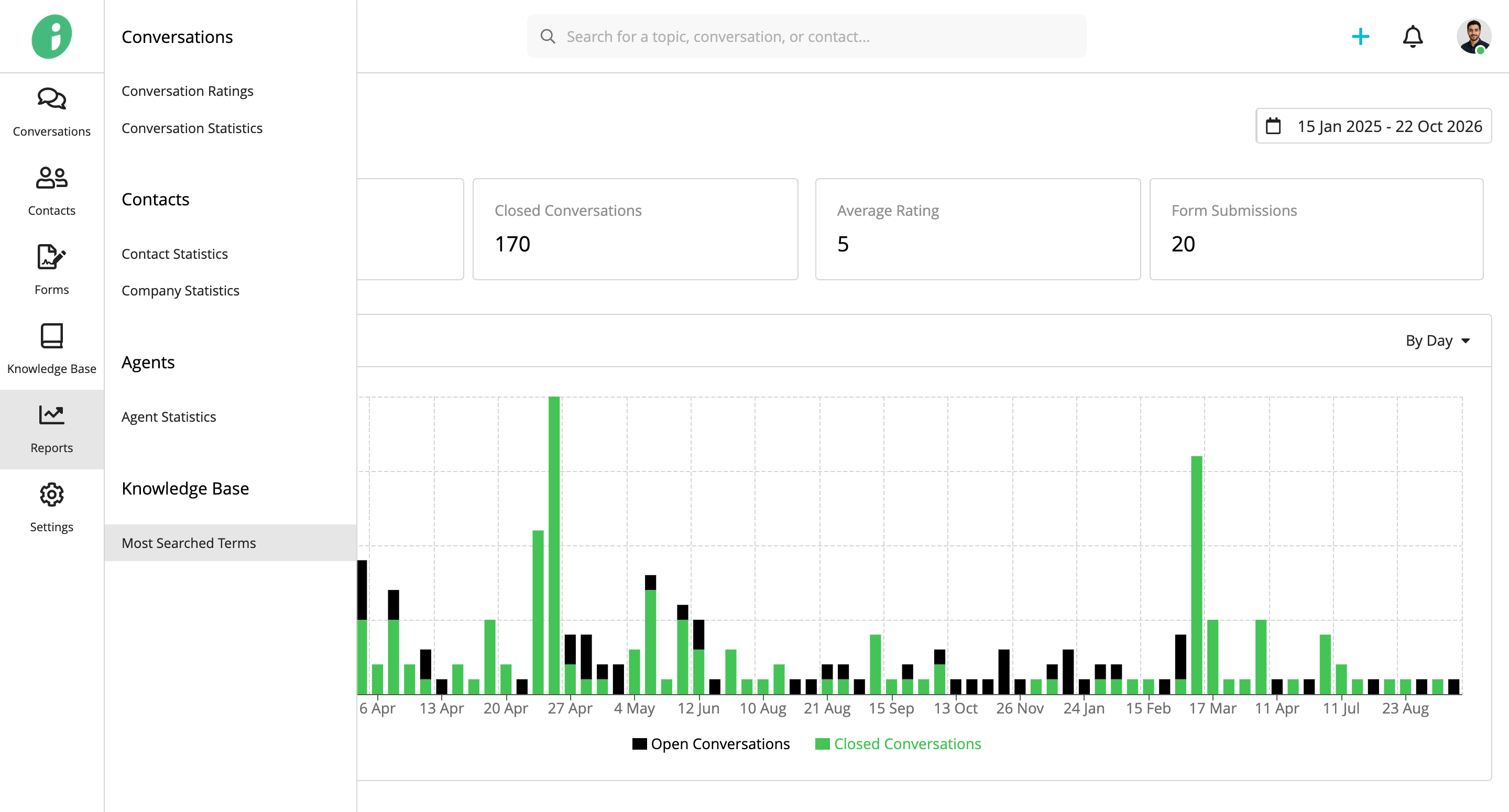
From your Helpdesk, go to Reports → Knowledge Base → Most Searched Terms.
Search Terms Overview
The report lists search terms and their Search Count within the selected date range.
Select a Date Range
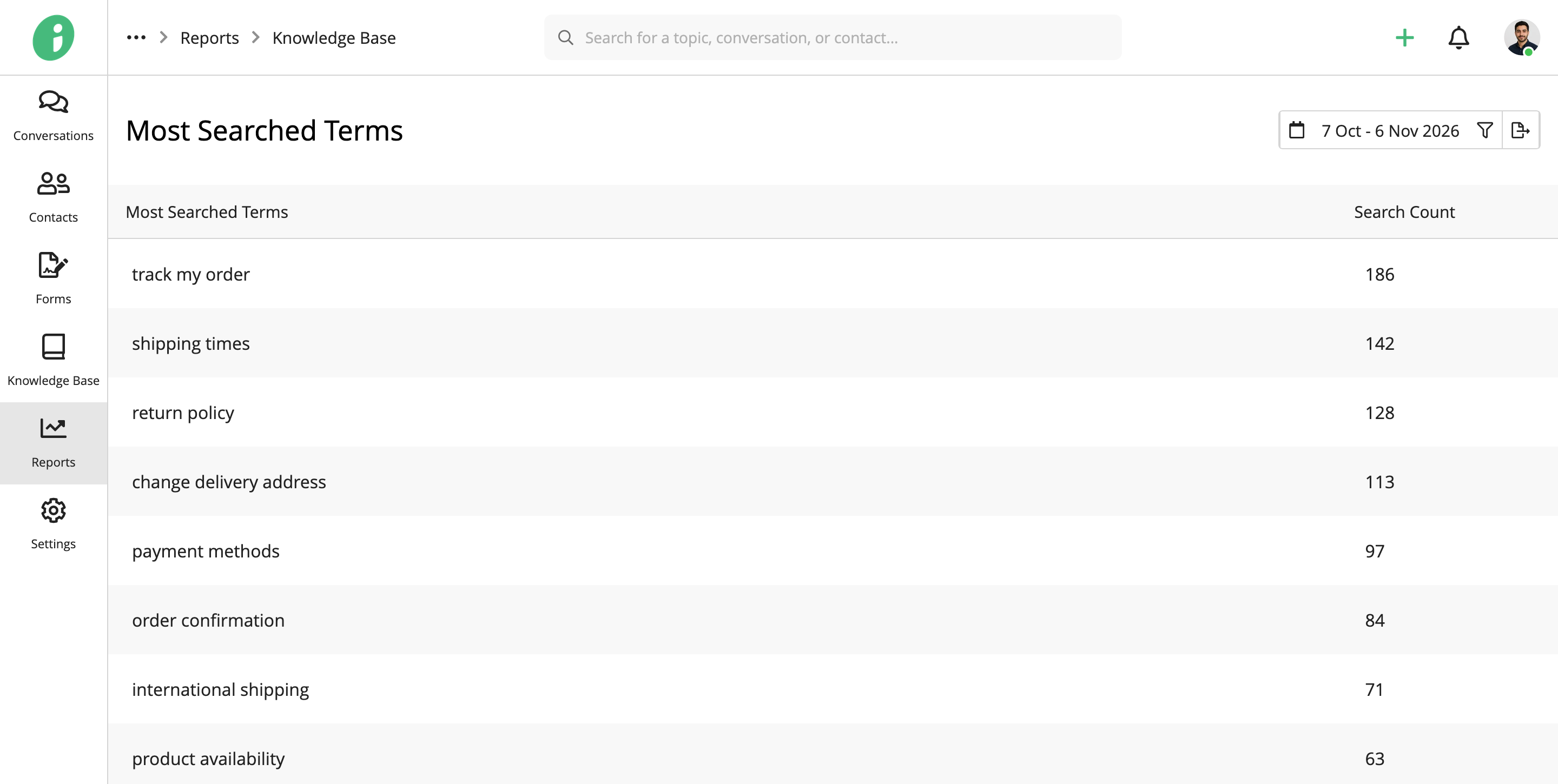
Click the calendar icon to choose a predefined period: Today, Yesterday, Last 7 Days, Last Month, Last Year, or All Time.
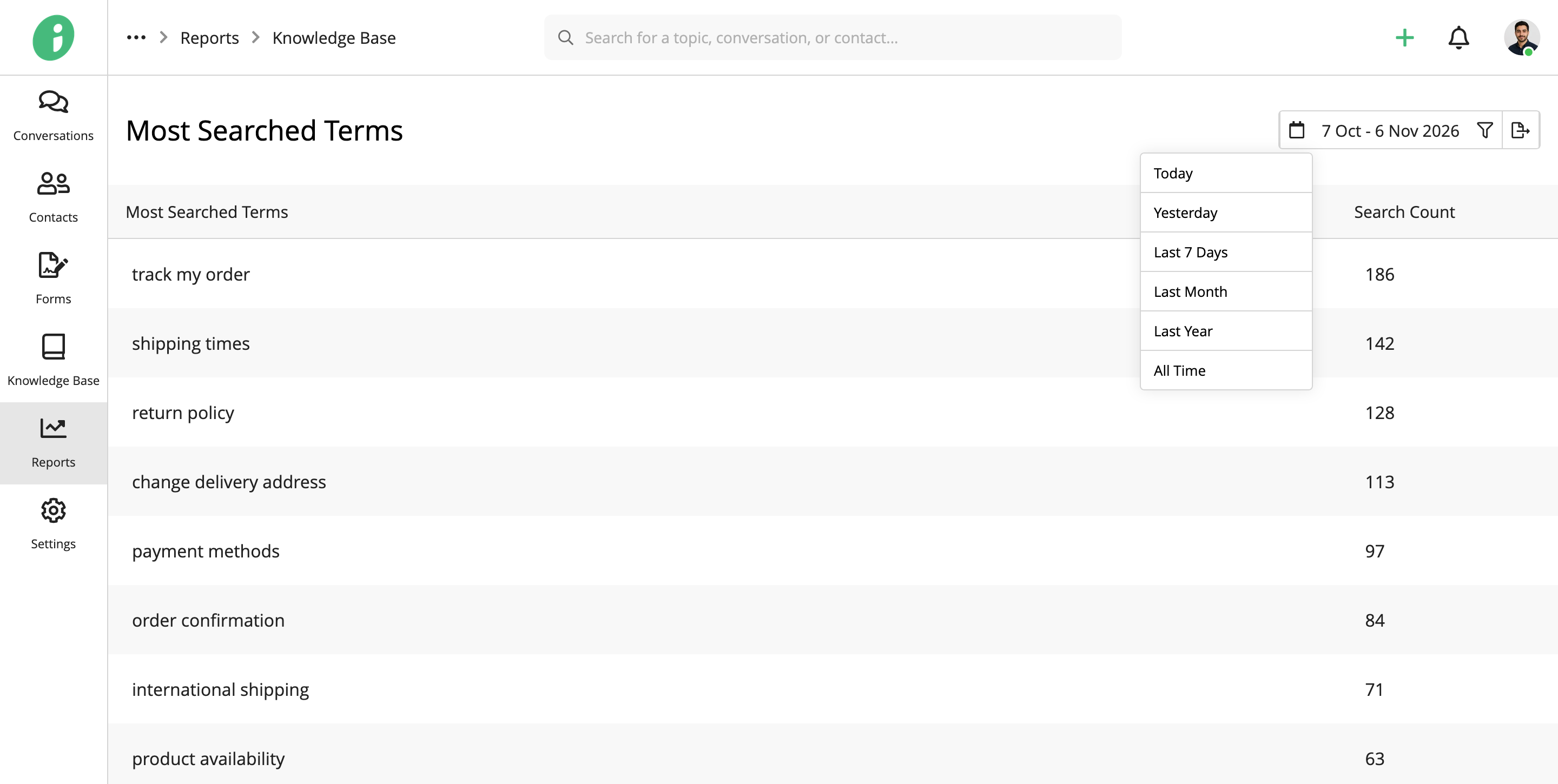
To specify a custom period, click the date range and select the start and end dates from the calendar.
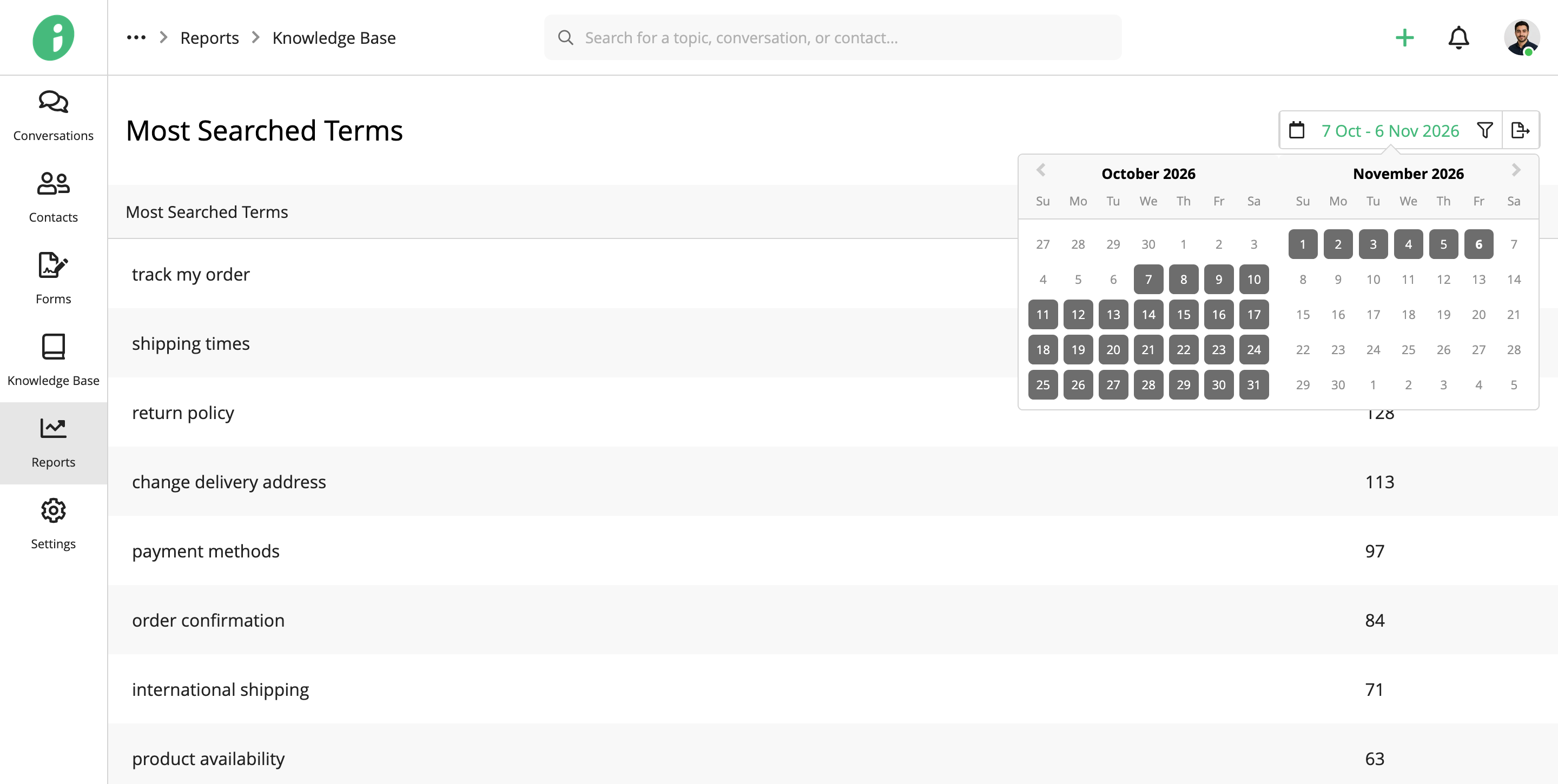
Filter Most Searched Terms
Click the filter icon in the upper-right corner and enter a Contact Email Address to narrow the report to searches associated with that contact.
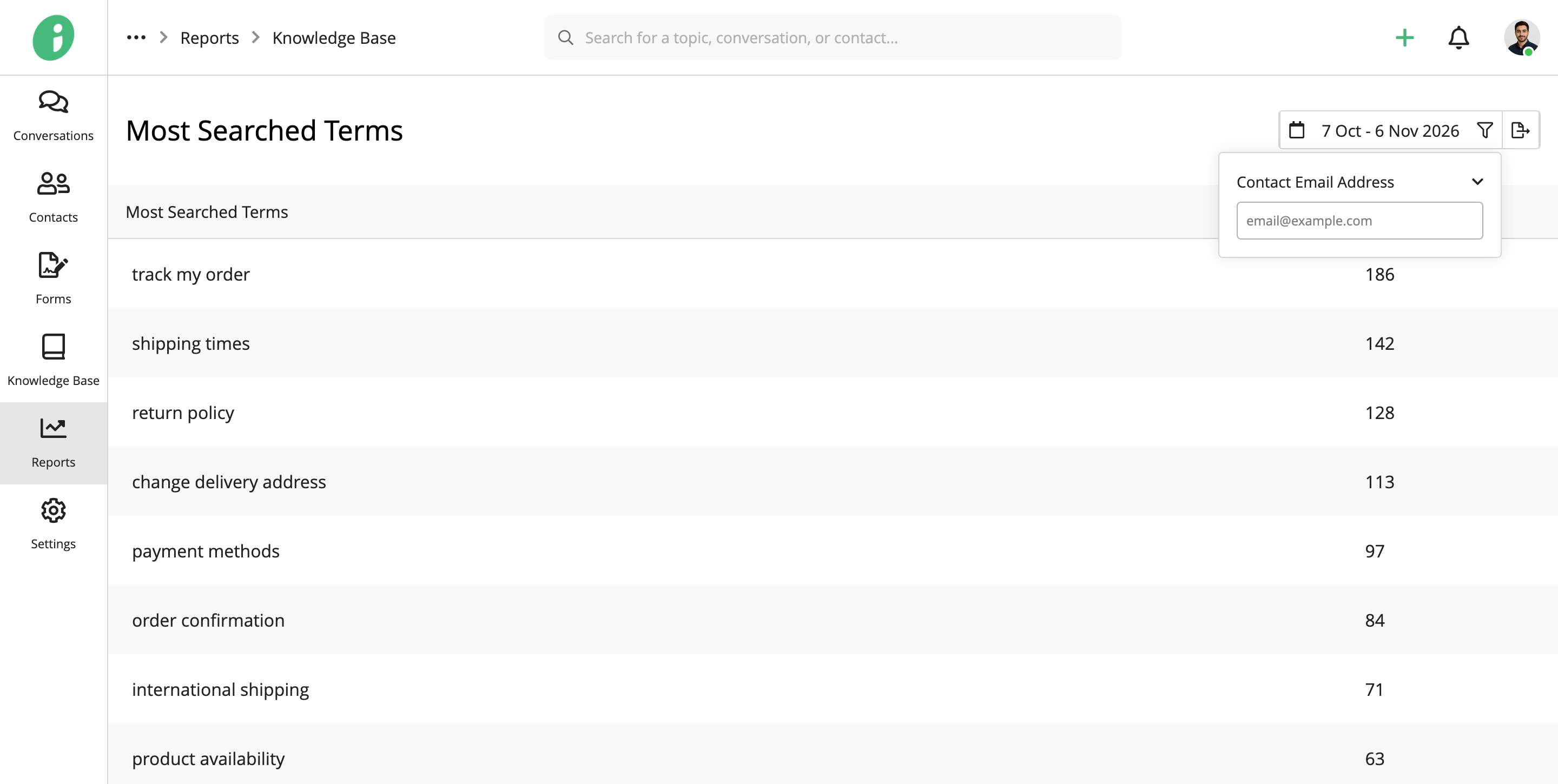
Export Most Searched Terms
Click the export icon in the upper-right corner to open the report's print preview. Select Save to PDF as the destination to save a copy of the report.