You can view and manage your helpdesk subscription from the Zaetoon Dashboard, including your current plan, available features, usage limits, and subscription options.
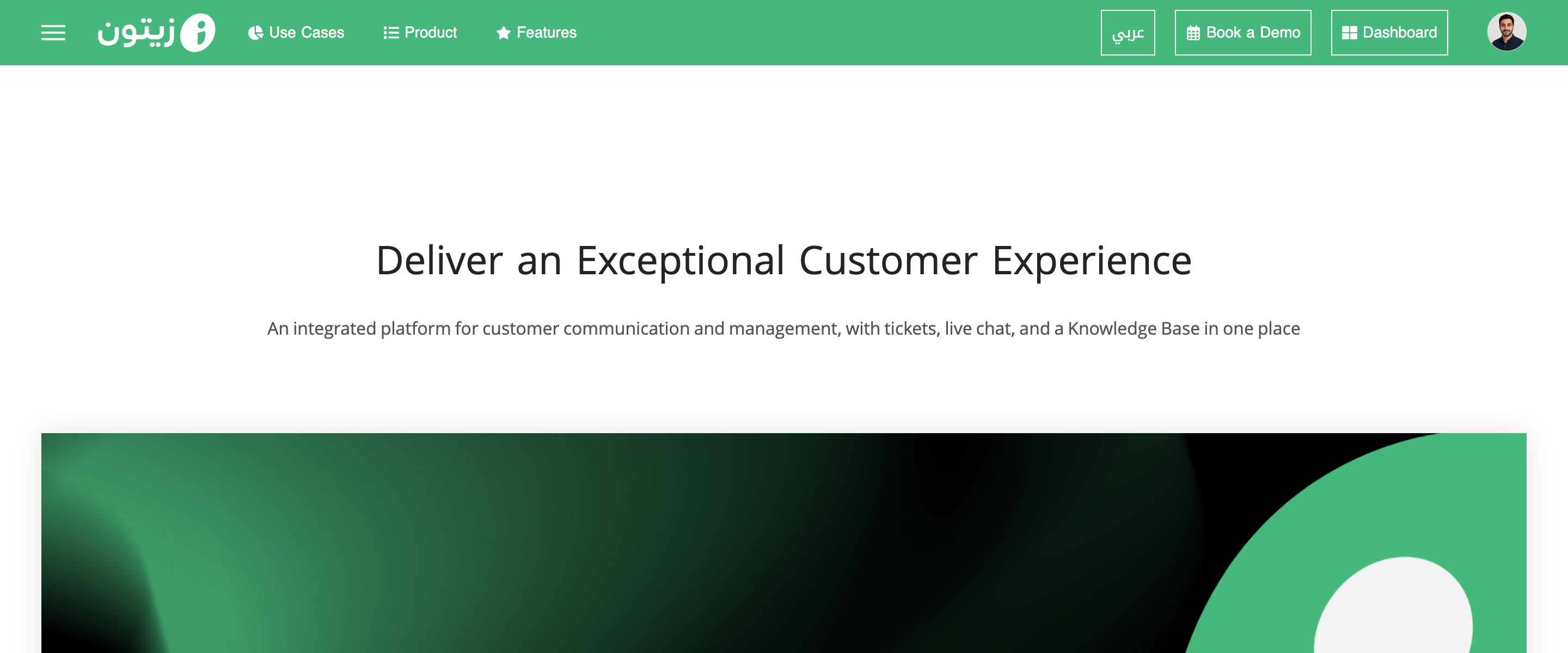
Sign in to your account from the main Zaetoon website. Click Dashboard in the top-right corner.
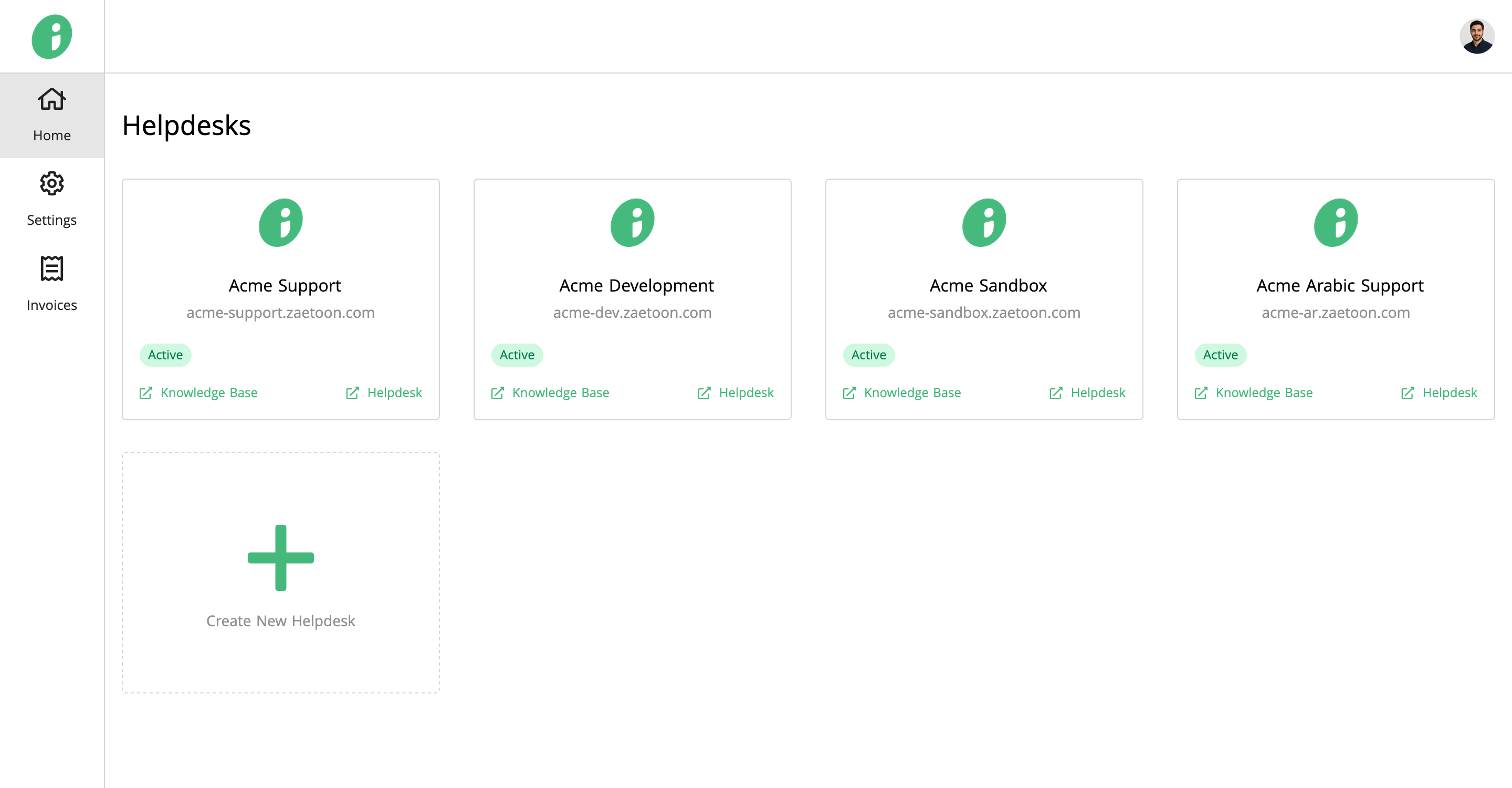
From the Home page, select the helpdesk you want to manage, for example, Acme Support.
View Your Current Plan
Click Subscription in the left sidebar, then select Current Plan to view your subscription details, including:
- Plan: Your current subscription plan.
- Price: The subscription cost and billing frequency.
- Renewal Date: The date your subscription is scheduled to renew.
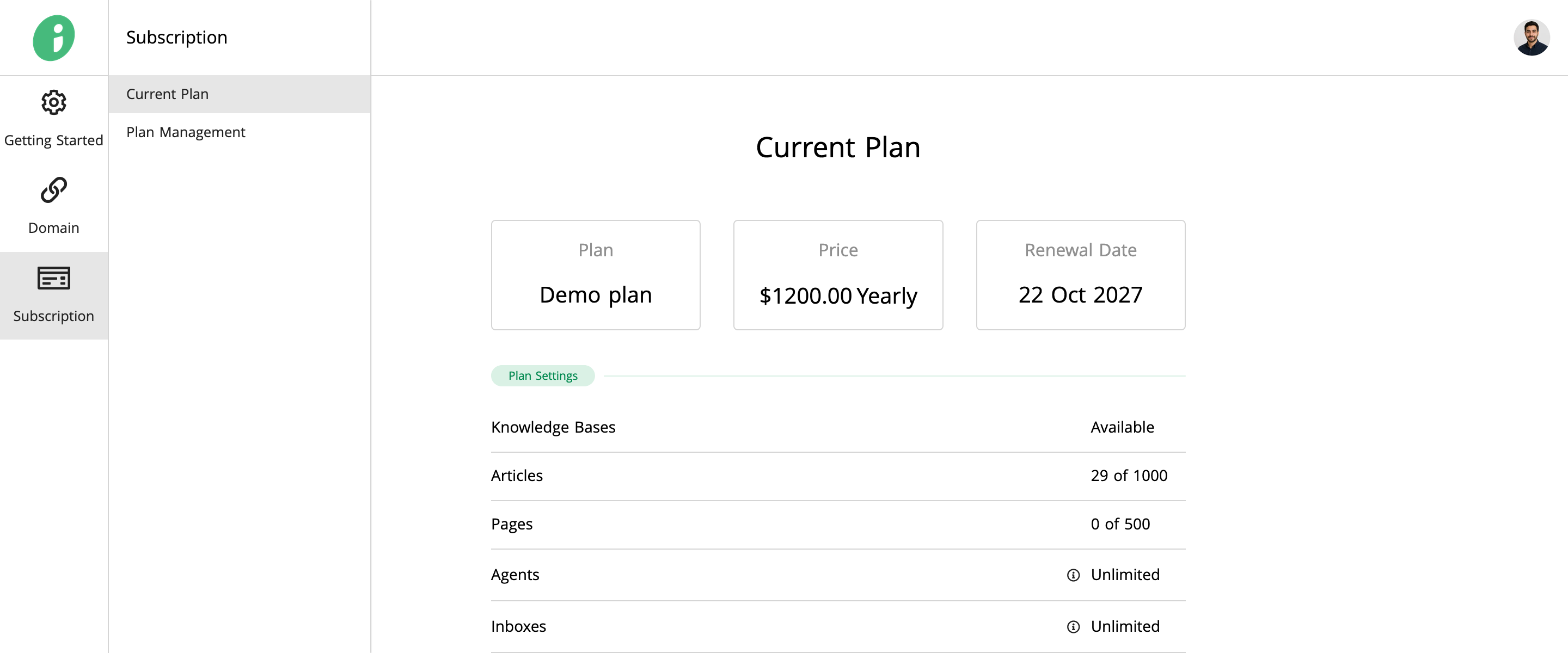
The Plan Settings section shows the features included in your subscription and their usage limits.
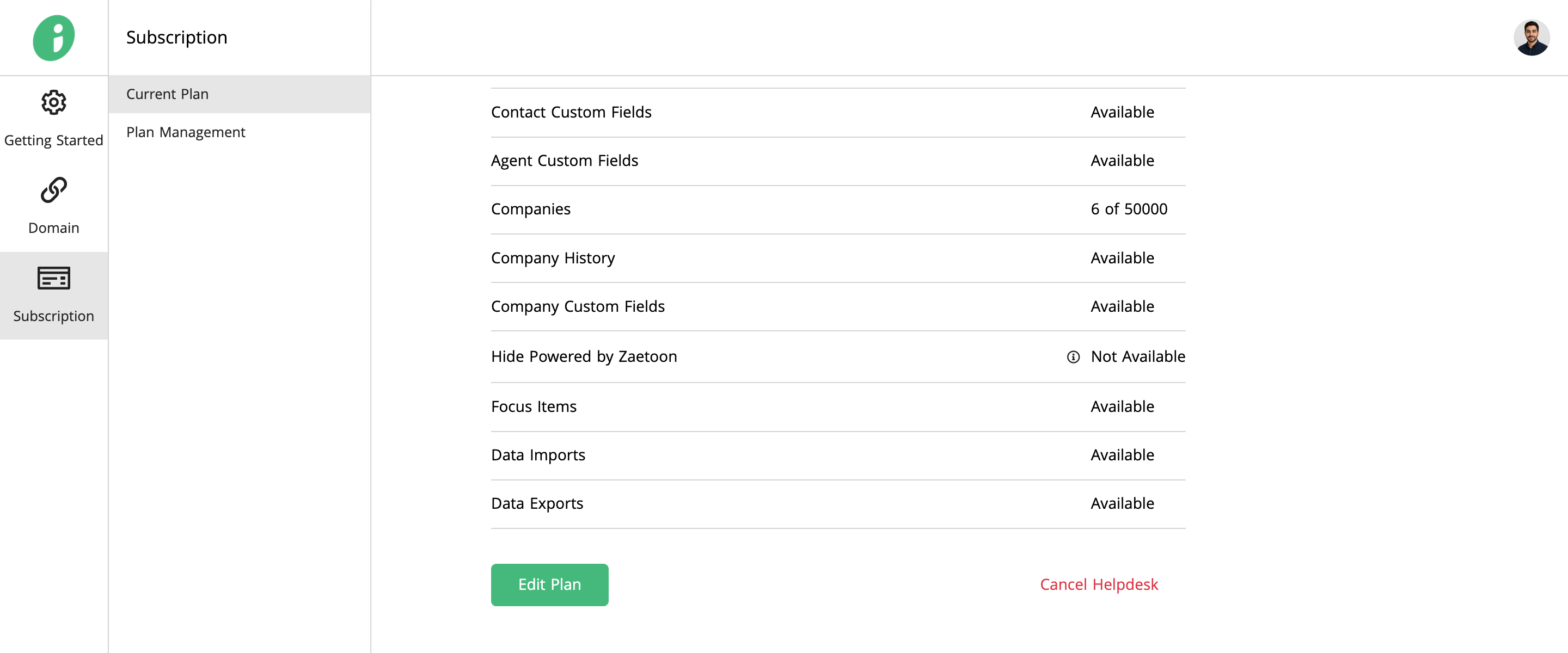
Scroll down to find the Edit Plan and Cancel Helpdesk options.
Edit Your Subscription Plan
Click Edit Plan to access the Plan Management page, where you can add or modify subscription features and add-ons.
You can also access this page directly by selecting Plan Management from the Subscription menu.
Cancel Your Helpdesk Subscription
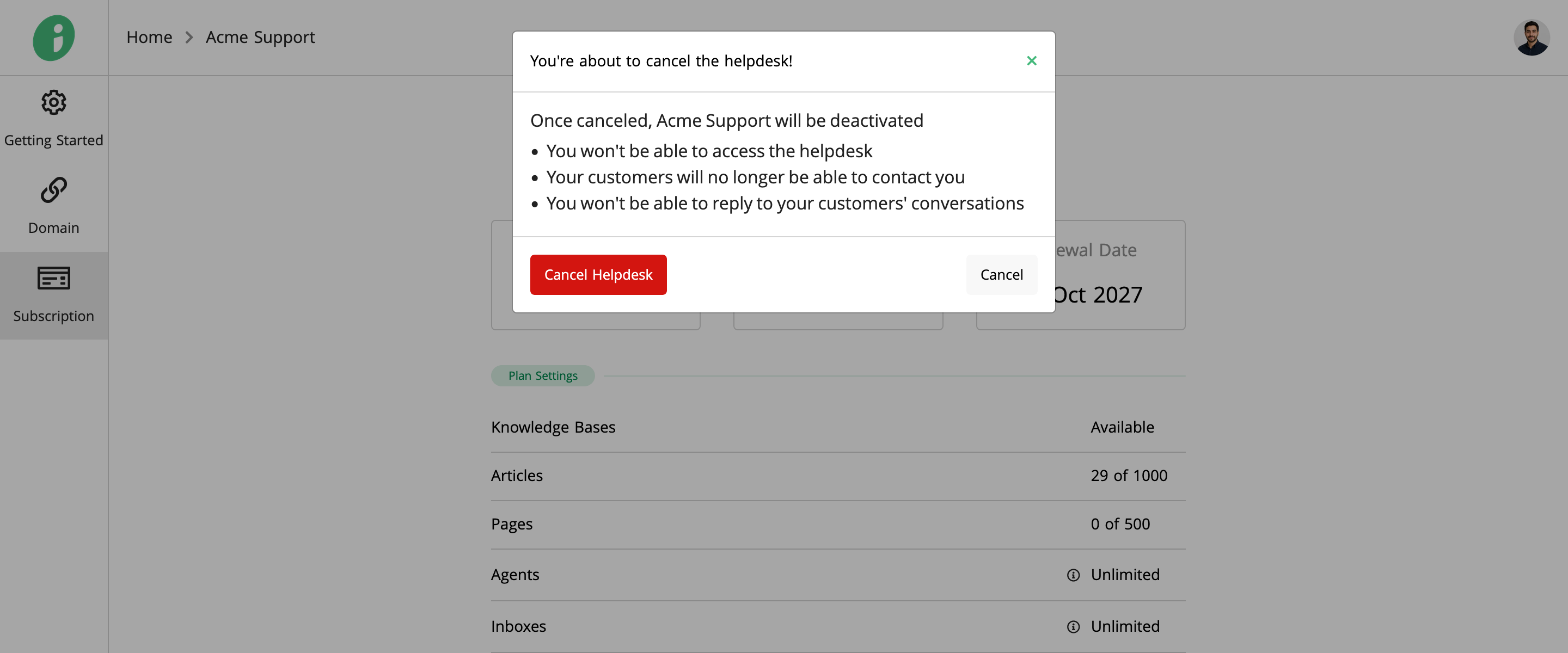
Click Cancel Helpdesk to open the confirmation window.
Review the information explaining what happens when you cancel your helpdesk, then click Cancel Helpdesk to confirm or Cancel to keep your subscription.