Create a Helpdesk in Zaetoon by configuring its basic information, setting up your primary admin account, providing business details, and completing your subscription.
Get Started
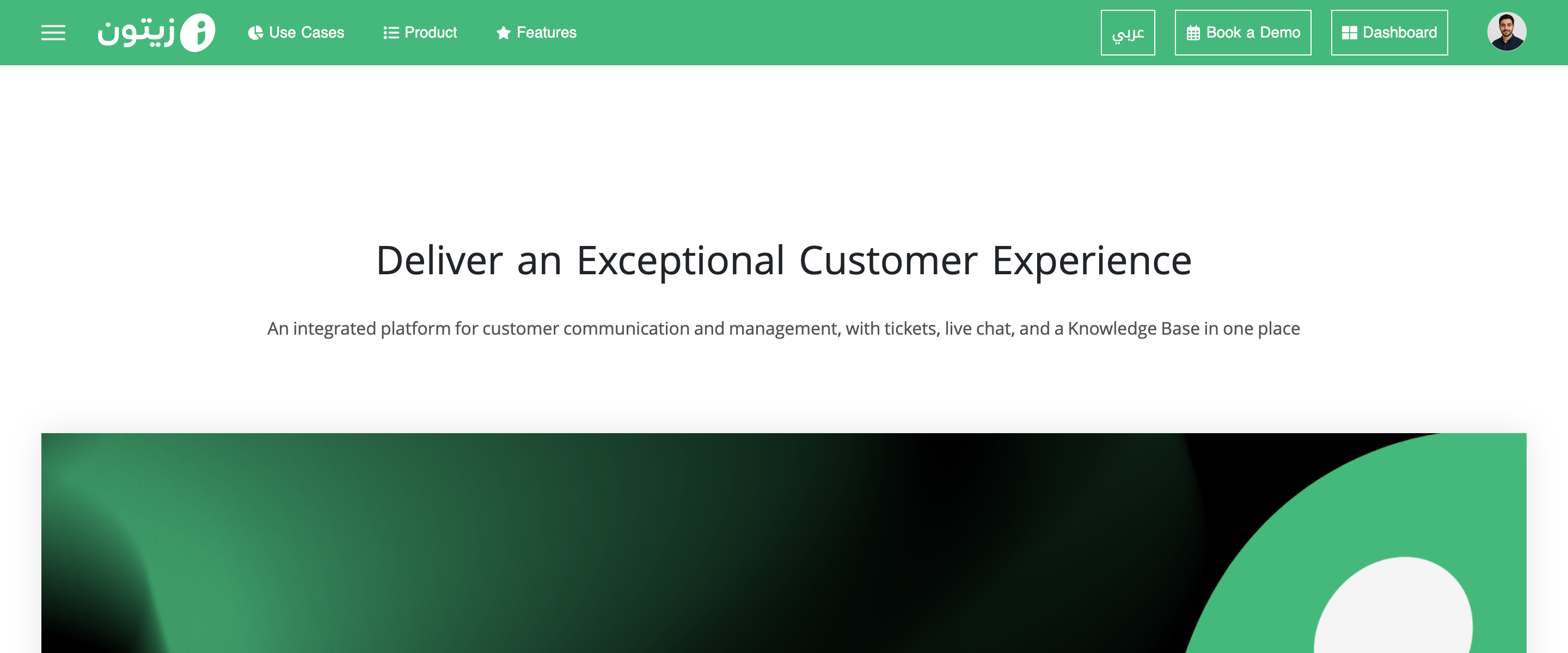
Sign in to your account from the main Zaetoon website. Click Dashboard in the top-right corner.
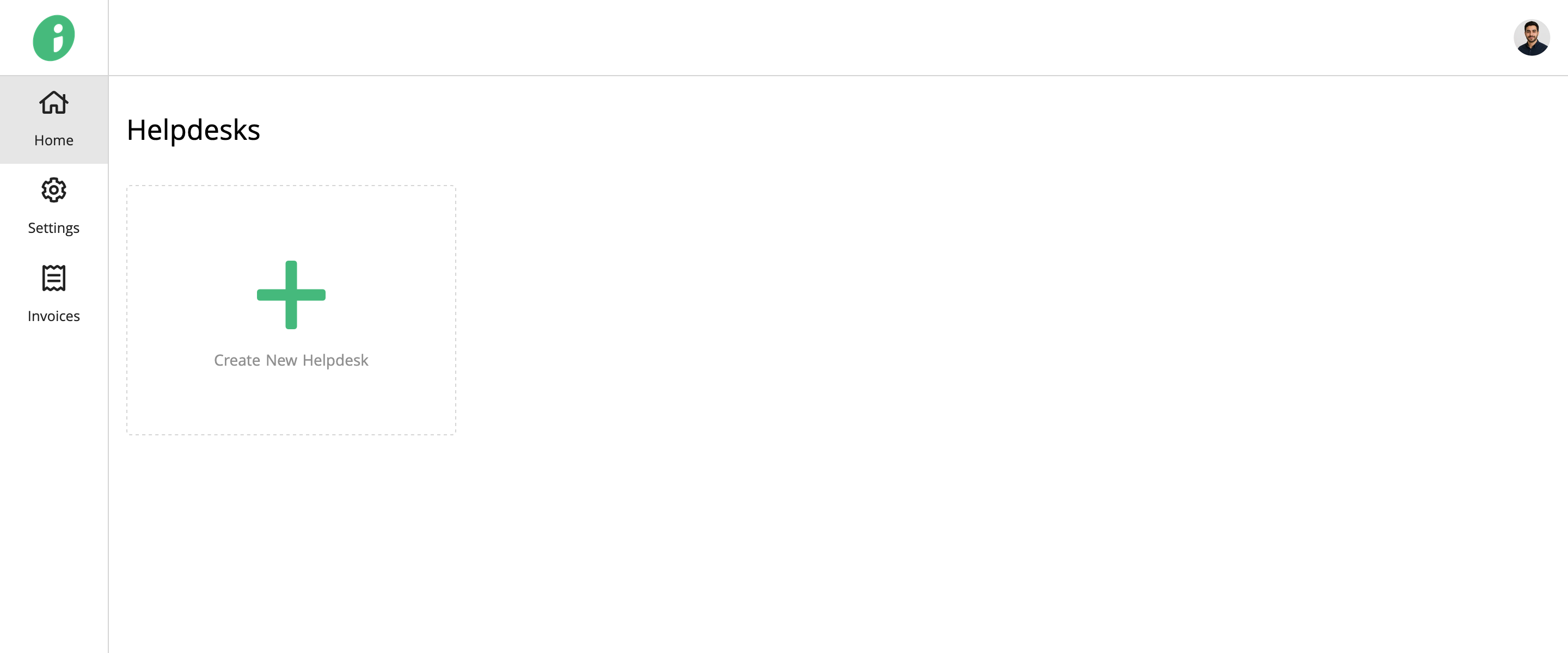
Select Create New Helpdesk.
Set Up Your Helpdesk
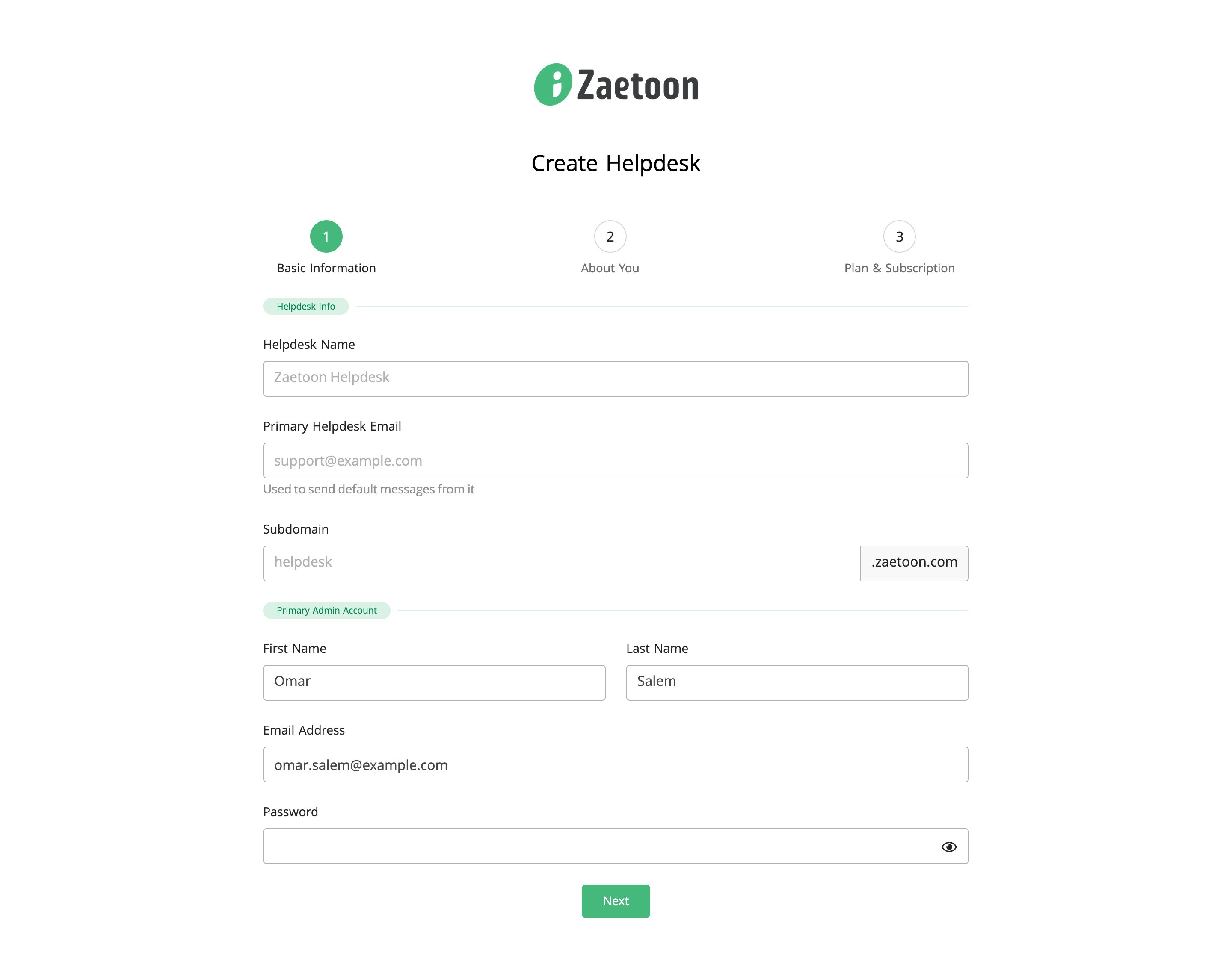
Under Basic Information, enter the following details.
Helpdesk Info
- Helpdesk Name: Enter a name for your Helpdesk.
- Primary Helpdesk Email: Enter the email address used to send default messages from your Helpdesk.
- Subdomain: Choose a unique subdomain for your Helpdesk, such as acme.zaetoon.com. You can later add a custom domain, such as support.acme.com.
Primary Admin Account
- First Name: Enter your first name.
- Last Name: Enter your last name.
- Email Address: Enter your email address.
- Password: Create a password for your Helpdesk admin account.
Click Next to continue.
Provide Your Business Information
Under About You, complete the following fields:
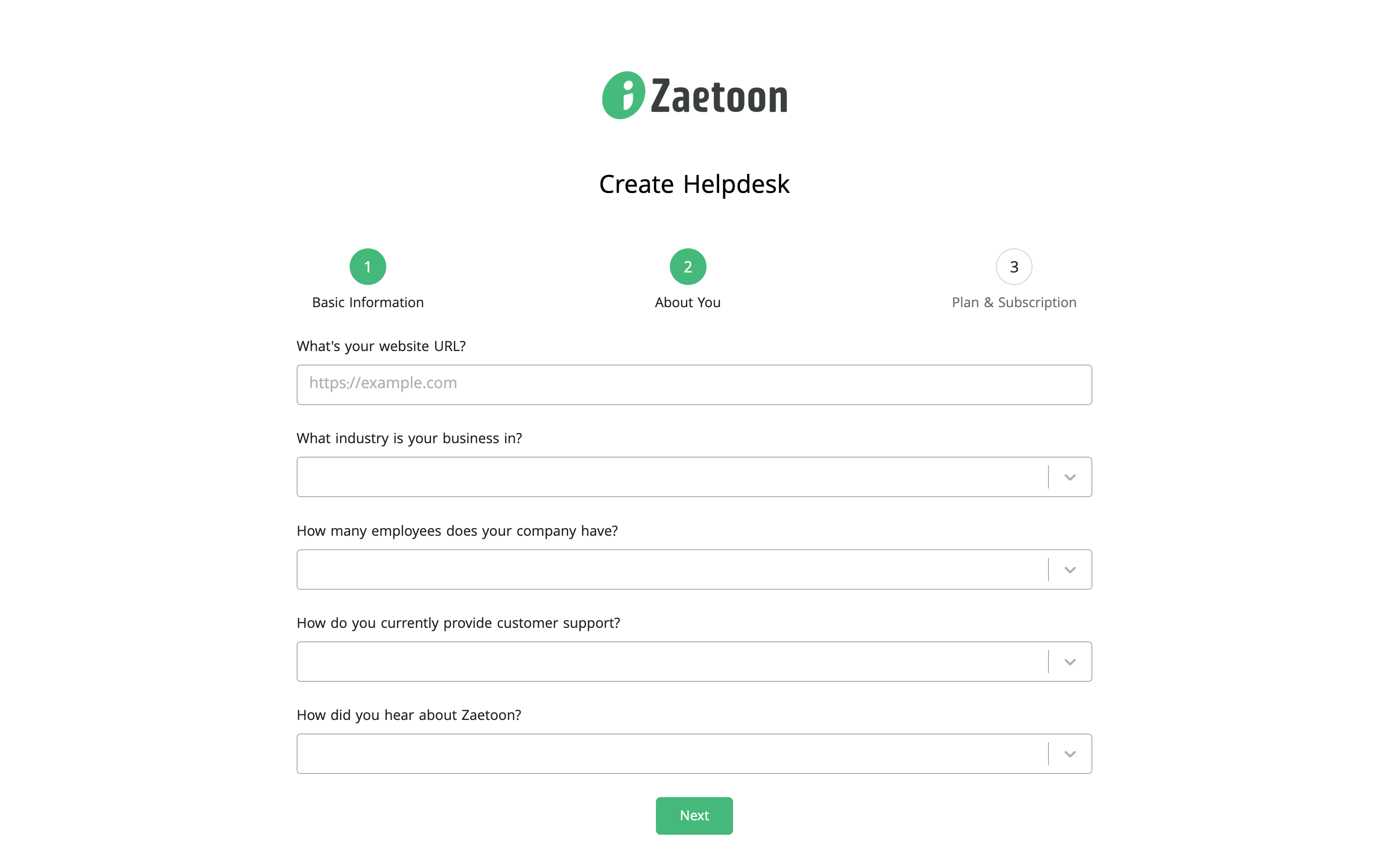
- Website URL: Enter your website address.
- Industry: Select your business industry.
- Company Size: Select the number of employees in your company.
- Customer Support: Select how you currently provide customer support.
- Referral Source: Select how you heard about Zaetoon.
Click Next to continue.
Complete Your Subscription
Under Plan & Subscription, check your selected plan, price, billing period, and included features.
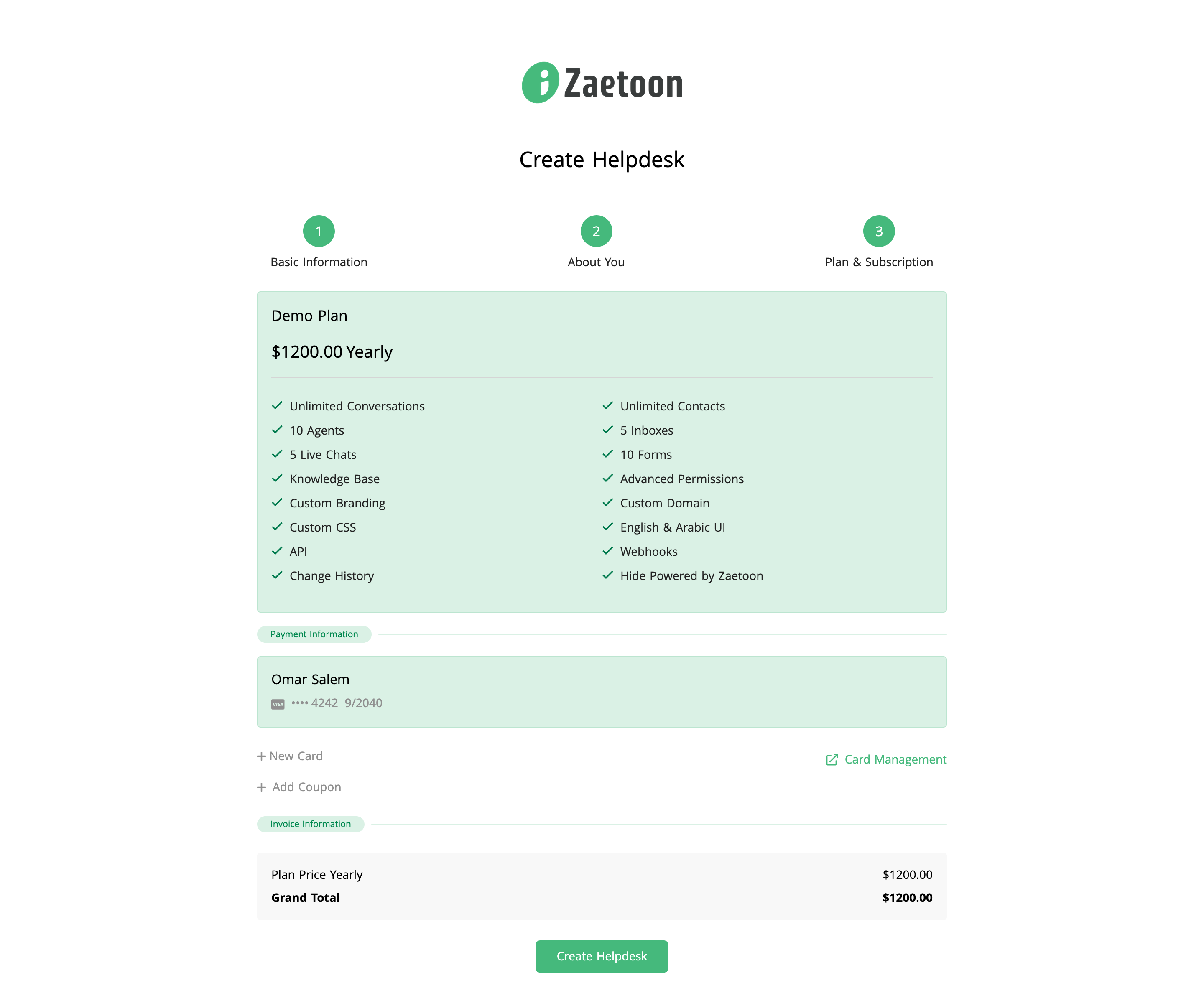
Under Payment Information, confirm your selected payment card or use these options:
- New Card: Add another payment card.
- Add Coupon: Apply a coupon, if available.
- Card Management: Manage your payment cards.
Check the Invoice Information, including the plan price and grand total. Click Create Helpdesk to complete the process.