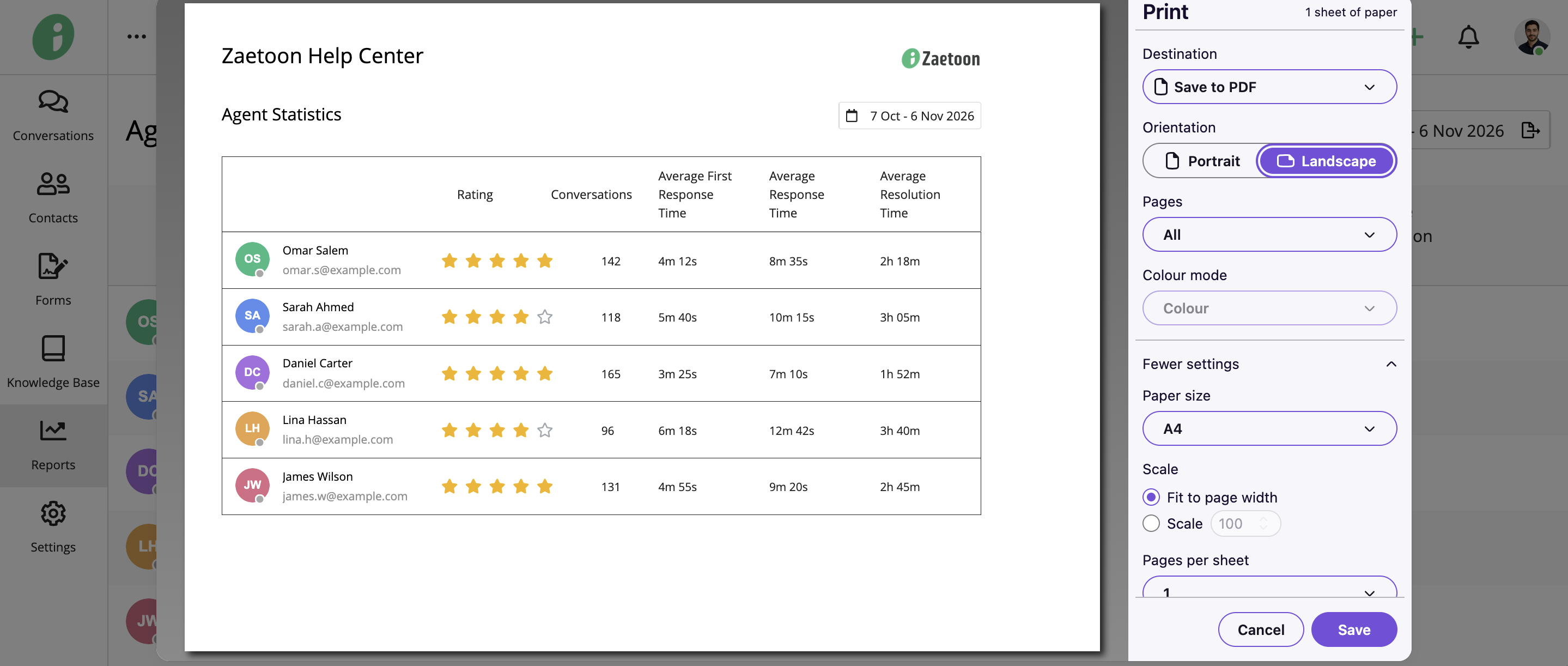
Use Agent Statistics to review agent performance, compare conversation ratings, and track response and resolution times over a selected period.
From your Helpdesk, go to Reports → Agents → Agent Statistics.
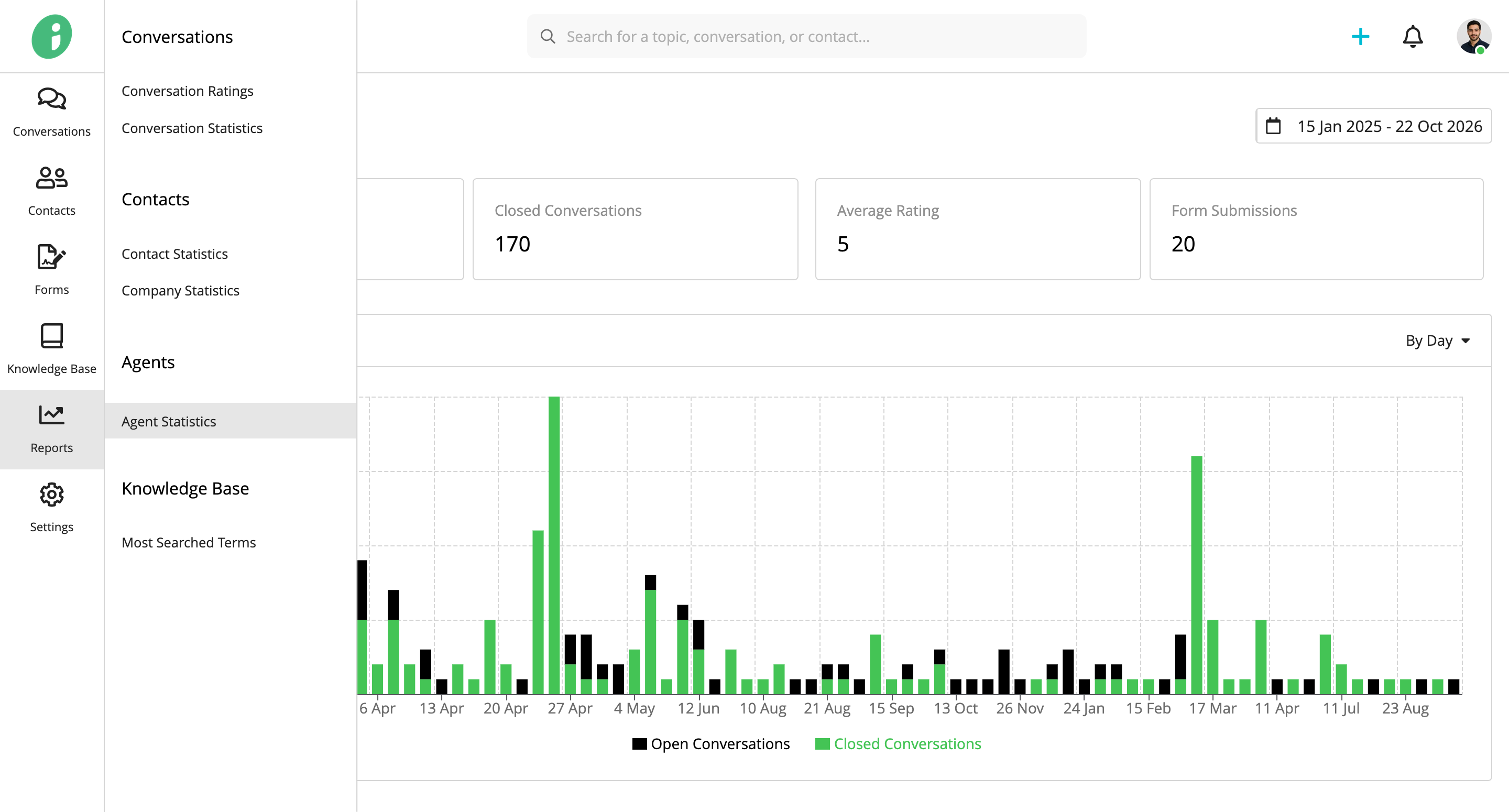
Agent Statistics Overview
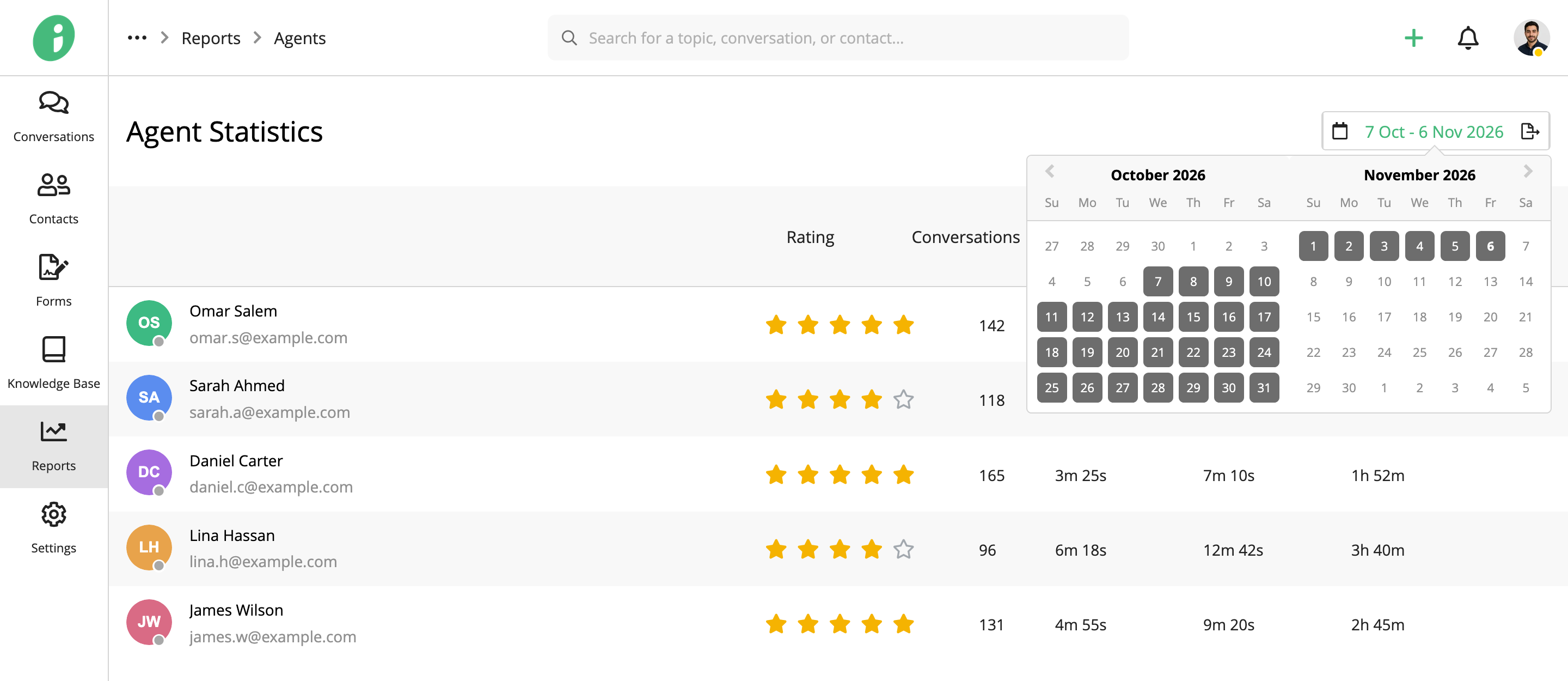
The report displays a table of agents and their performance metrics.
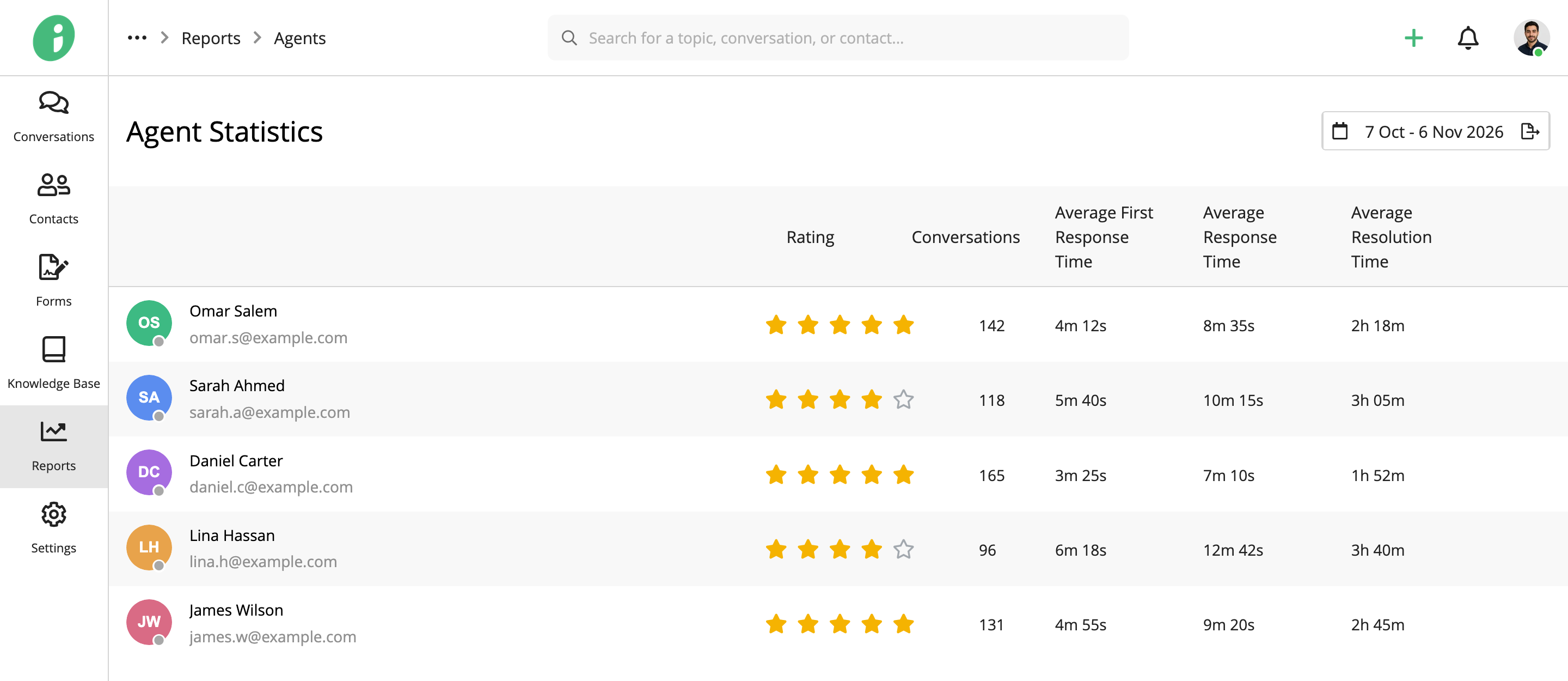
Each row shows an agent's name, email address, rating, and conversation count, along with three performance metrics: average first response time, average response time, and average resolution time.
Ratings are displayed as stars. Metrics with no available data display Not yet calculated.
Sort Agent Statistics
Click a column heading to sort agents by Rating, Conversations, Average First Response Time, Average Response Time, or Average Resolution Time.
Click the heading again to reverse the sort order.
Select a Date Range
Click the calendar icon to choose a predefined period: Today, Yesterday, Last 7 Days, Last Month, Last Year, or All Time.
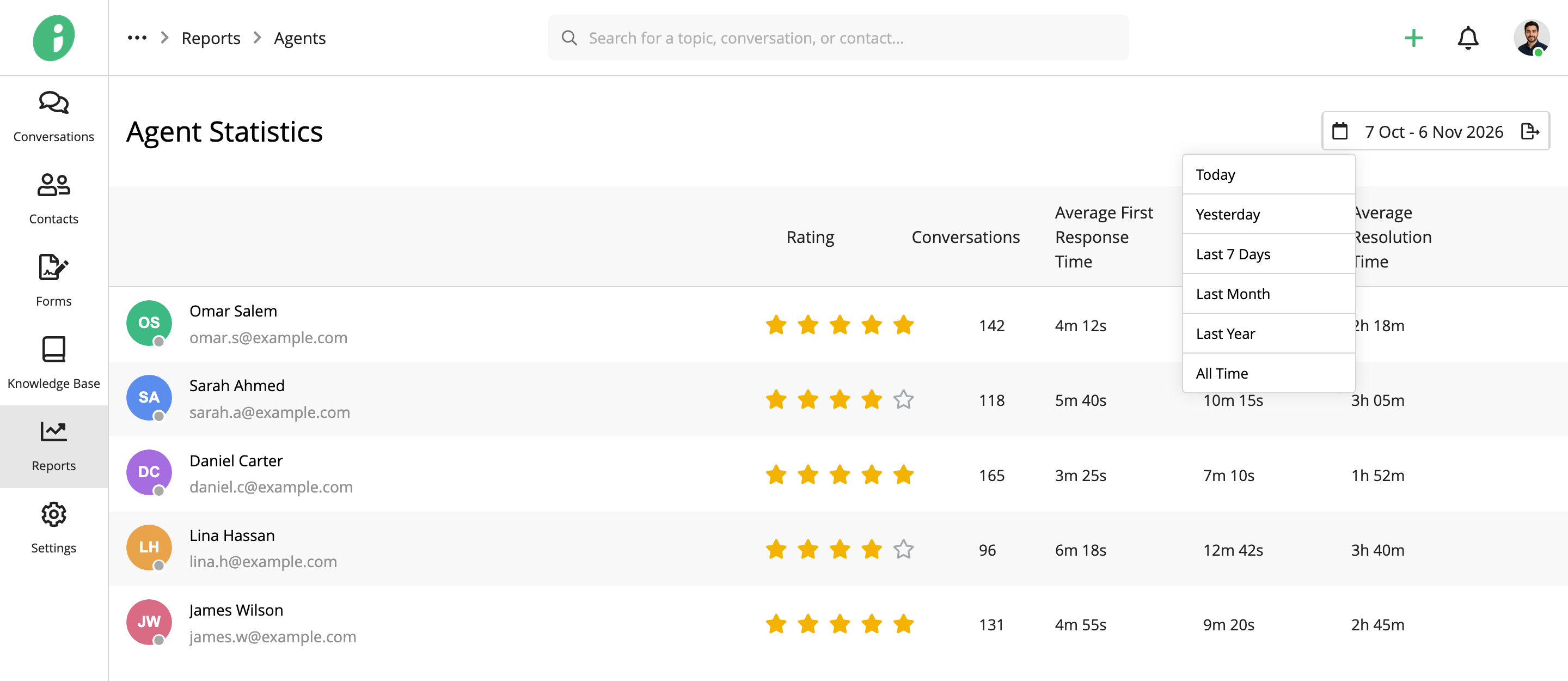
To specify a custom period, click the date range and select the start and end dates from the calendar.
Export Agent Statistics
Click the export icon in the upper-right corner to open the report's print preview. Select Save to PDF as the destination to save a copy of the report.