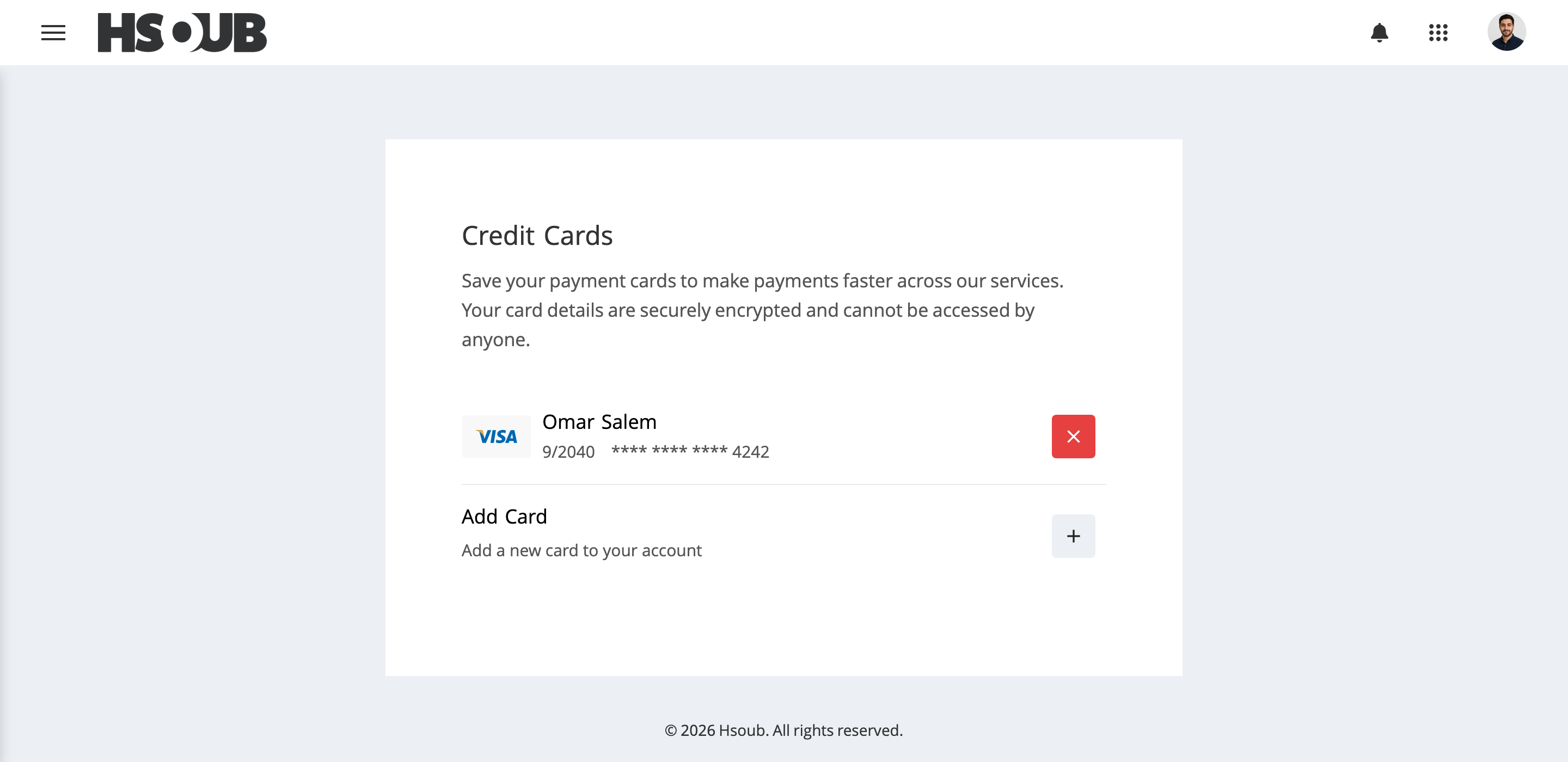
You can view and manage your payment methods from the Zaetoon Dashboard, including adding new cards and managing existing ones.
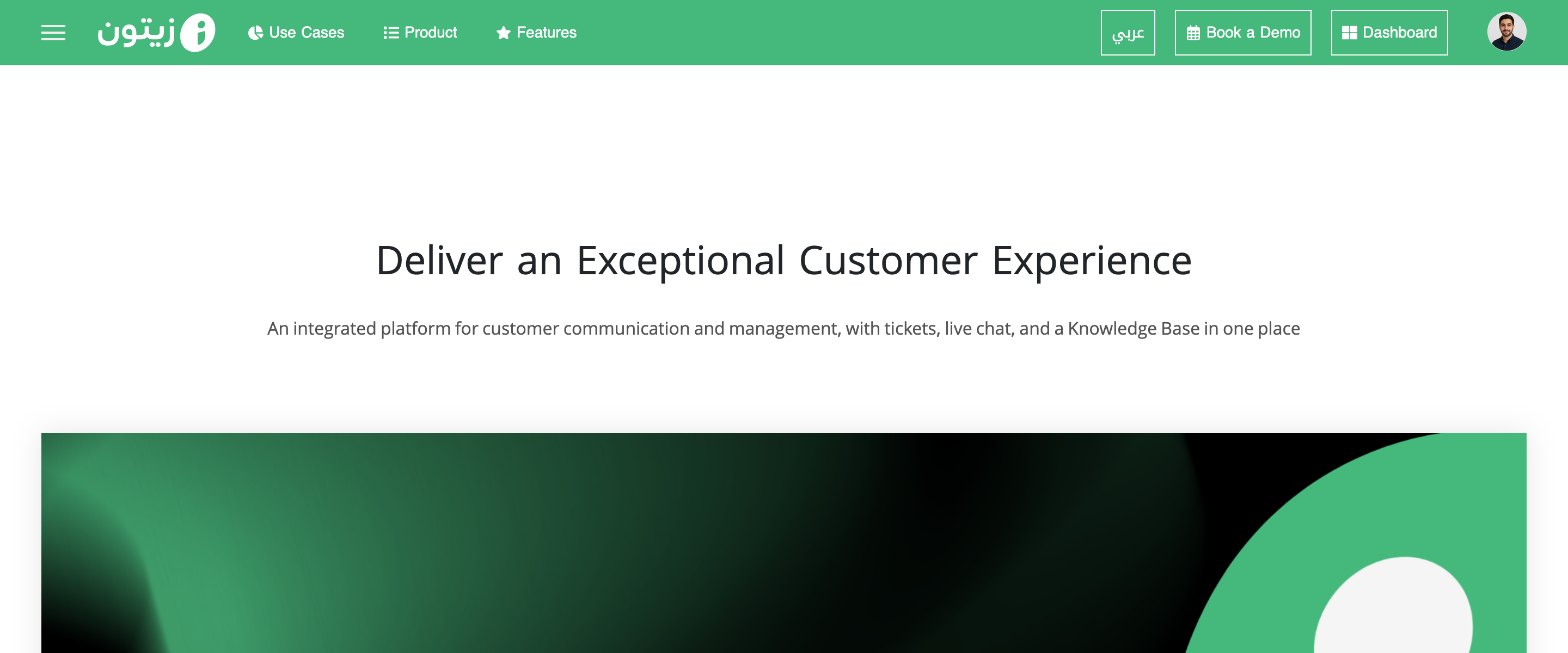
Sign in to your account from the main Zaetoon website. Click Dashboard in the top-right corner.
From the Home page, click Settings in the left sidebar, then select Payment Methods.
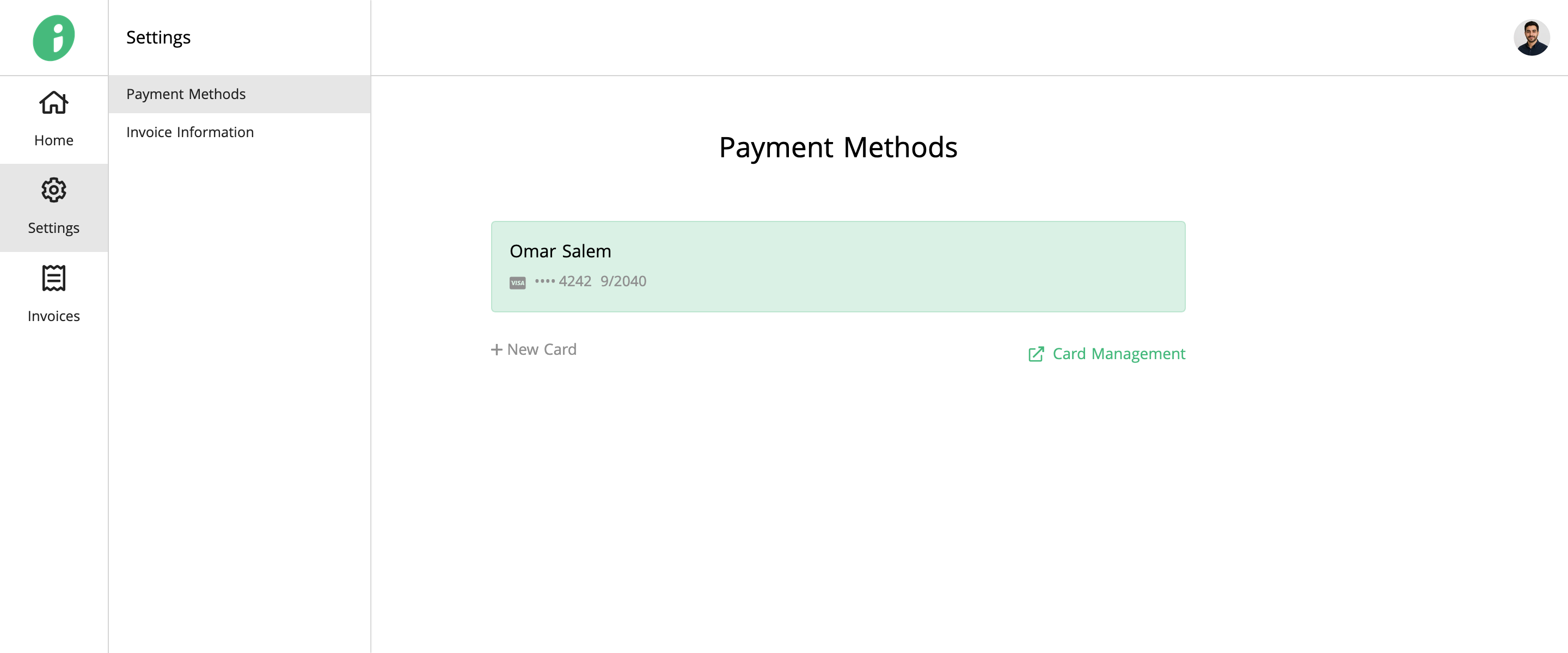
Add a New Payment Method
Click + New Card, enter the cardholder’s name and card details, then click Save Card.
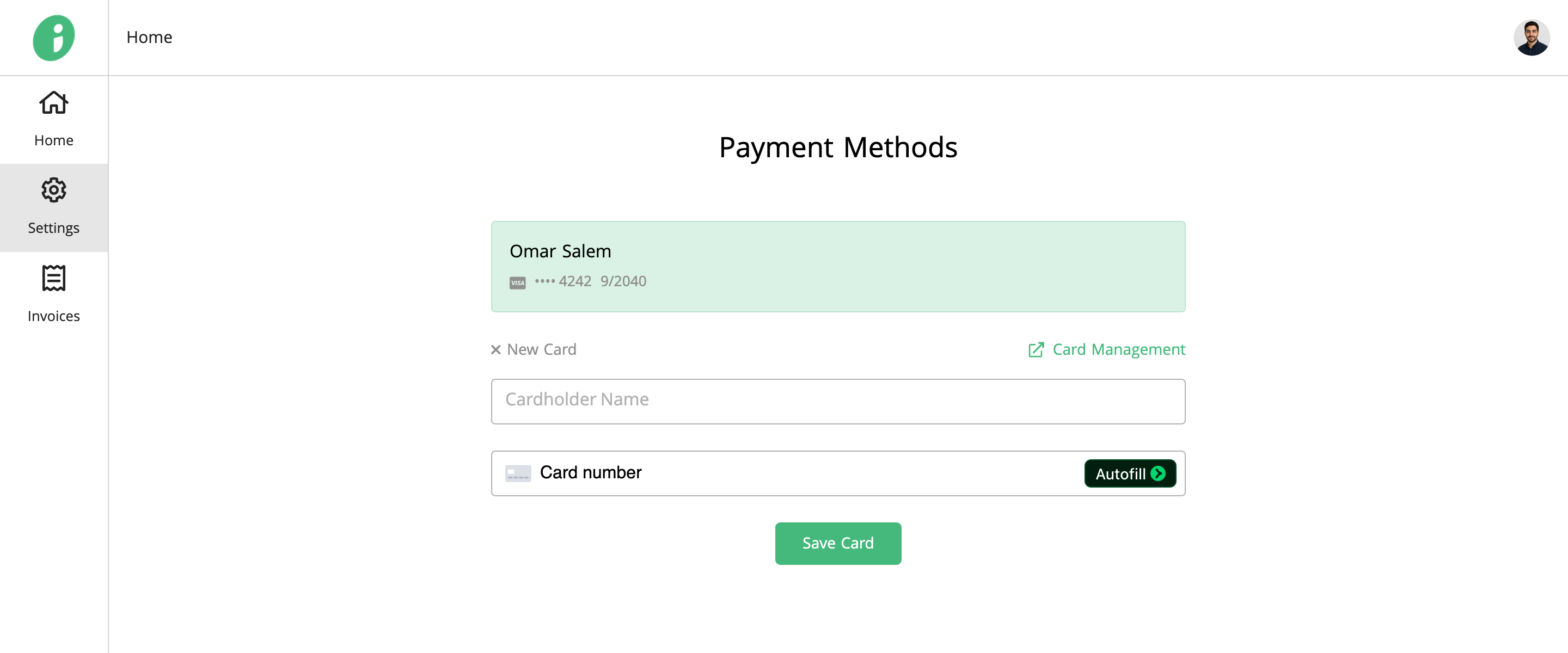
Manage Existing Payment Methods
Click Card Management to open the Credit Cards page in Hsoub Accounts, where you can view, add, or remove saved cards.