
You can view your Zaetoon invoices, access payment receipts, and add billing information for future invoices from your account dashboard.
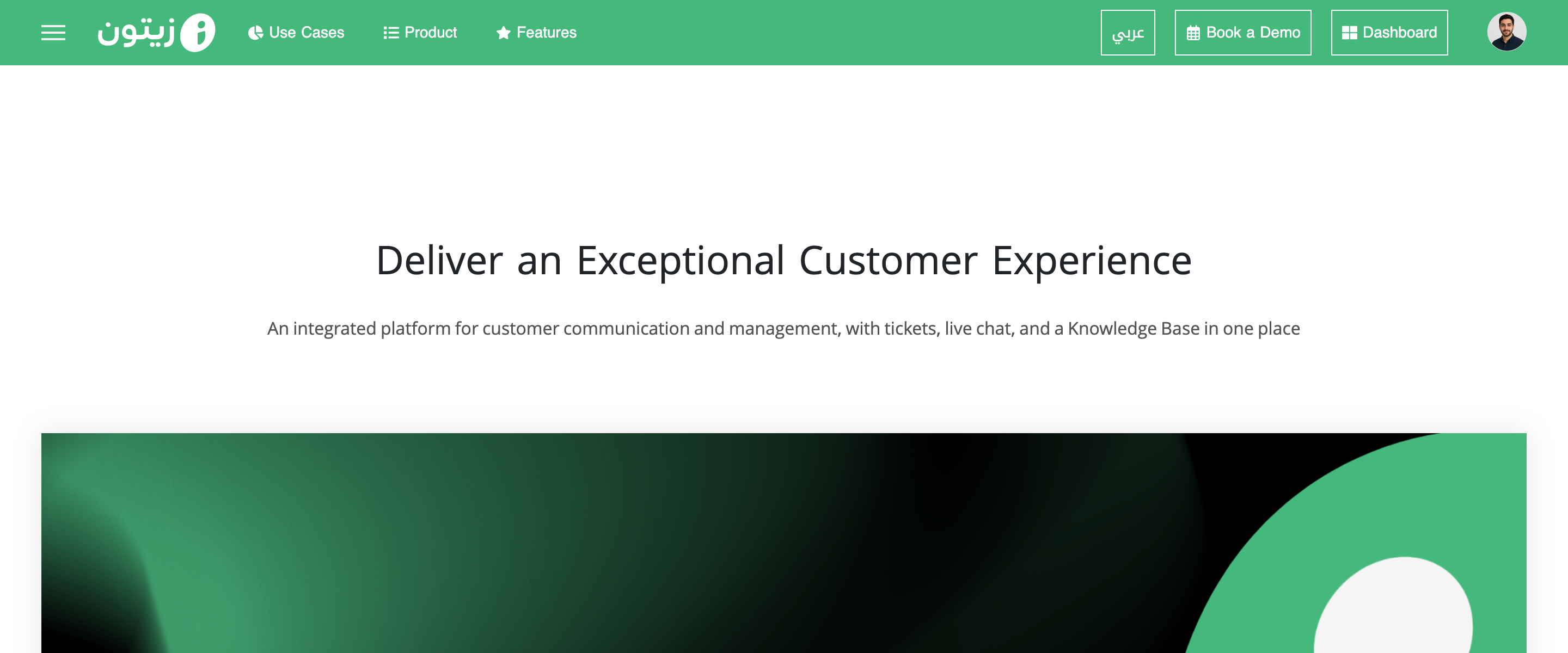
Sign in to your account from the main Zaetoon website. Click Dashboard in the top-right corner.
View Your Invoices
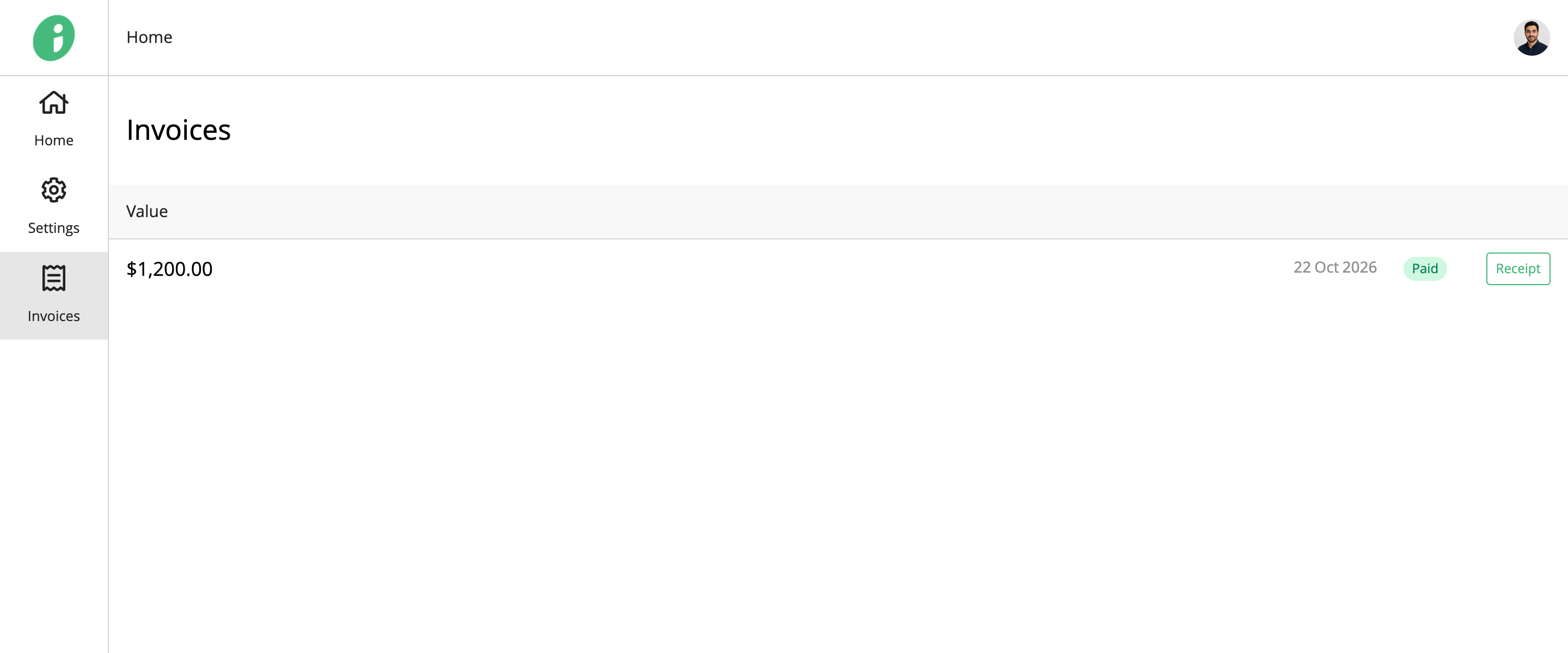
Select Invoices from the left sidebar.
The page displays your invoices, including their amounts, dates, and payment statuses.
View a Payment Receipt
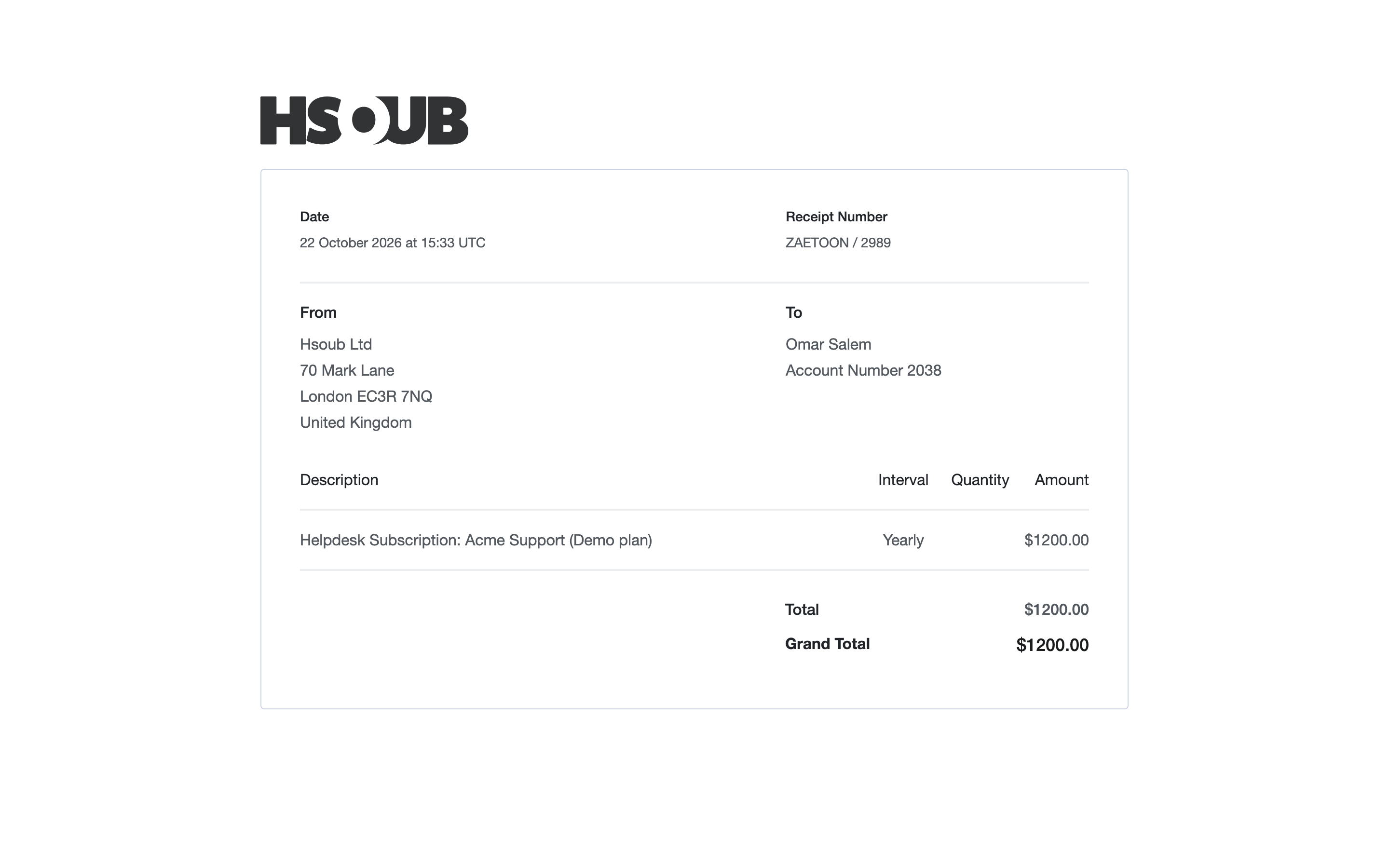
Click Receipt next to the invoice you want to review.
The receipt includes the payment date, receipt number, billing information, subscription details, and total amount.
Add Invoice Information
Go to Settings → Invoice Information from your account dashboard.
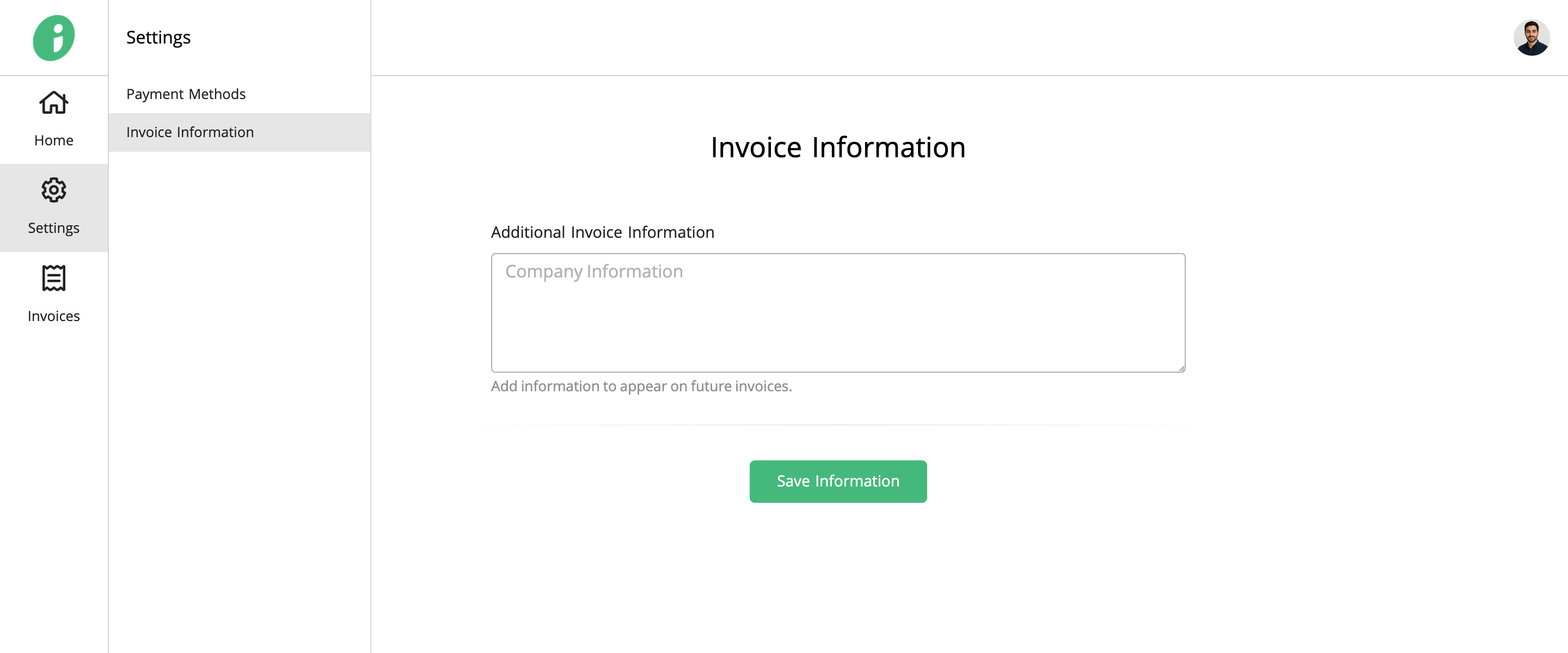
In Additional Invoice Information, enter the company or billing details you want to include on future invoices.
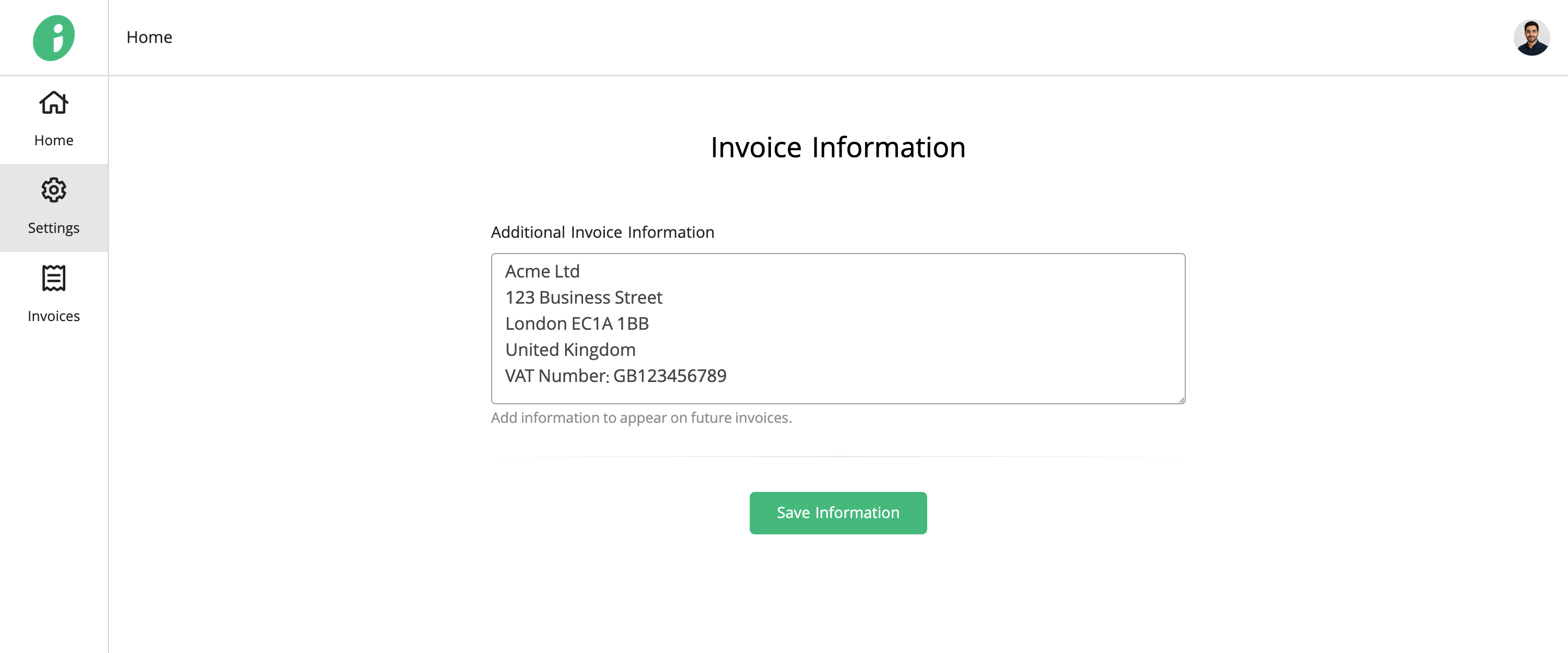
Click Save Information to save your changes.