
You can change your account status in Zaetoon Helpdesk to indicate your availability to other agents.
From your Helpdesk, click your profile picture in the top-right corner.
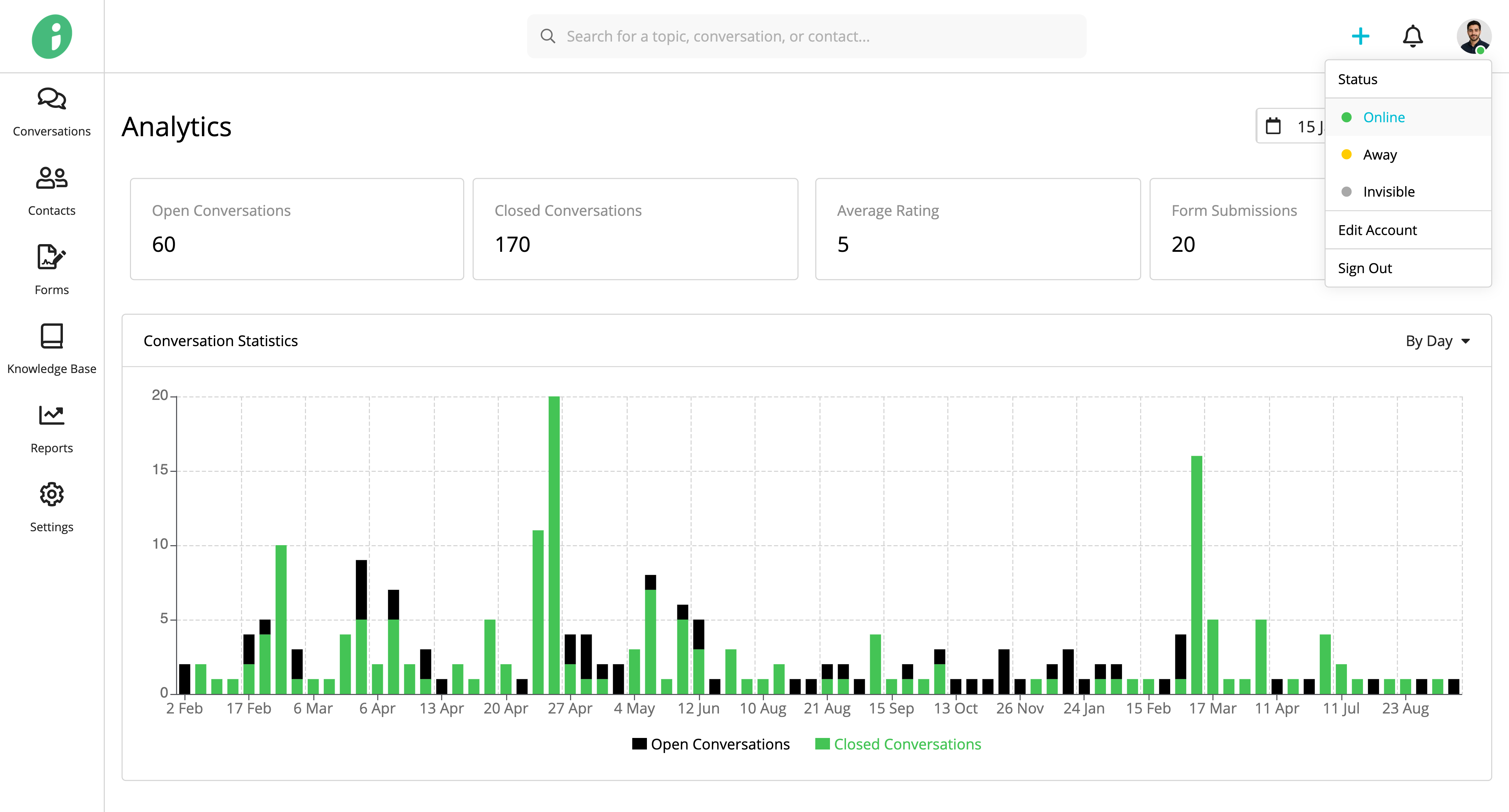
Under Status, select one of the following options:
- Online: Indicates that you are available.
- Away: Indicates that you are temporarily unavailable.
- Invisible: Indicates that you are offline.
Your selected status is indicated by the colored dot on your profile picture.